The Message You Retype 30 Times a Day
Open your WhatsApp chats and count. How many times did you type this today:
"Hi [Name], your order #[Number] is confirmed. Total [Amount] EGP. Arriving in 2–4 days."
Most sellers type that manually every single time. Every day. Every order.
It's not just wasted time — it's error-prone. You can drop the order number, mistype the total, forget the customer's name. Every slip is a small embarrassment.
The Fix: 8 Templates Inside Every Order
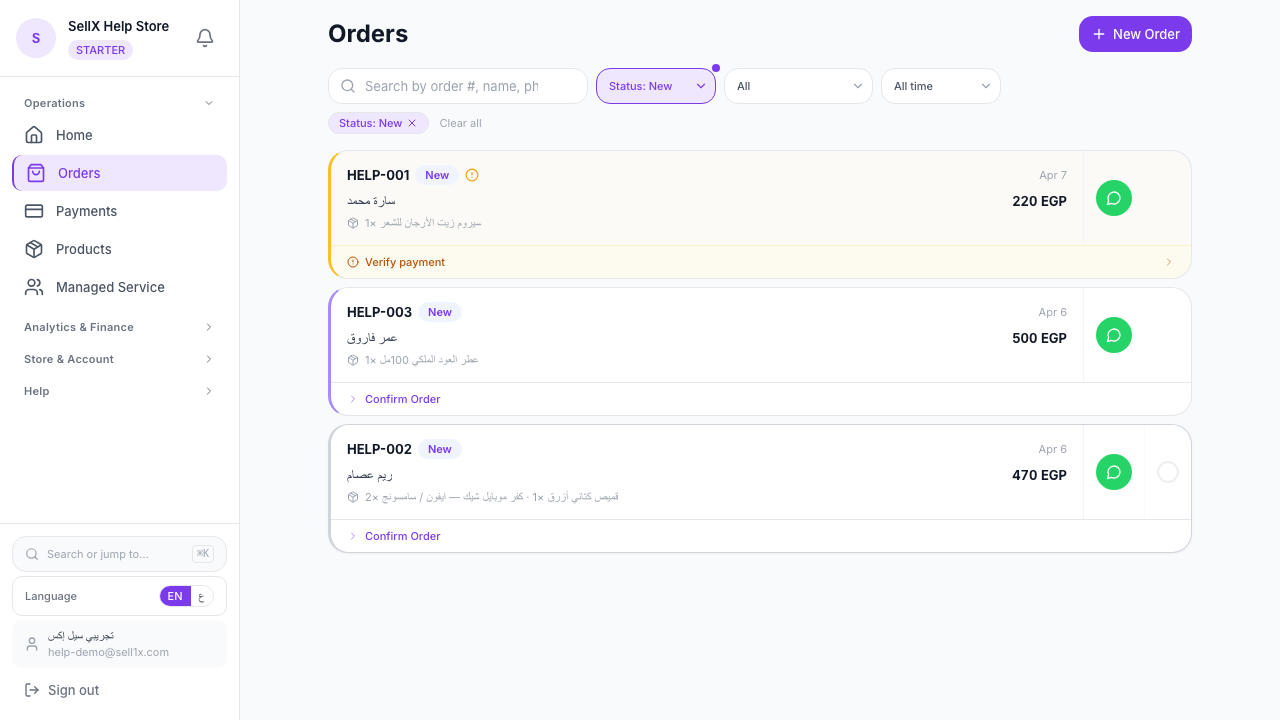
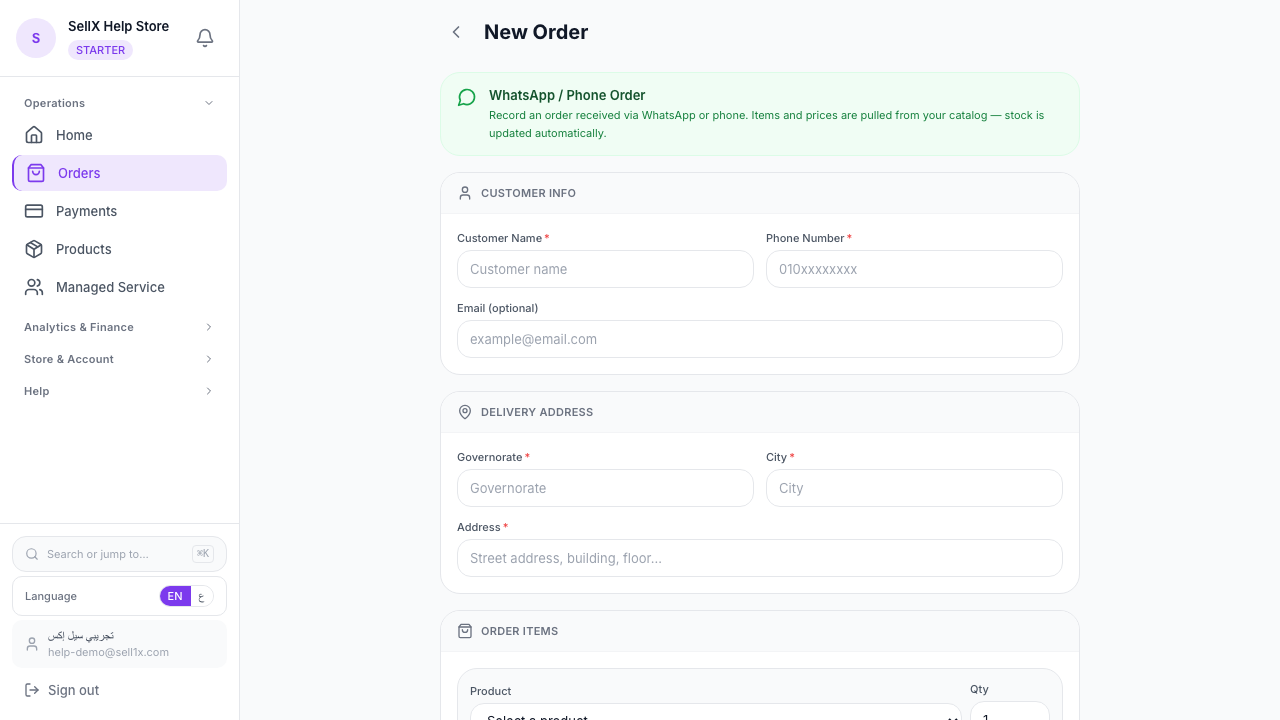
Open any order in your sellX dashboard. You'll find a "WhatsApp Templates" button. Click it and a menu of 8 ready messages appears:
Available Templates
- Order Confirmed — "Your order is confirmed, #[number], total [amount]"
- Preparing — "Your order is being prepared now"
- Shipped — "Your order has been handed to the courier"
- Out for Delivery — "Courier arriving today, keep your phone close"
- Delivered — "Delivered. Thank you for your trust"
- Payment Follow-up — "Outstanding balance, please complete payment here"
- Address Confirmation — "Quick check on your address before we ship"
- Delay Apology — "Sorry for the delay, your order ships on [date]"
Each template auto-fills with: - Customer name - Order number - Total amount - Store name - Tracking link (when the template needs it)
You pick the template. Review. Tap "Open WhatsApp". Send.
WhatsApp opens to the customer's number with the message already typed. All you do: hit send.
Arabic and English, Same Place
Every template has two versions: Arabic and English. A language toggle sits at the top of the template picker.
- Customer speaks Arabic? → Use Arabic
- Customer speaks English (expat or business)? → Switch to English
Nothing to type manually.
Why This Isn't WhatsApp Business API
WhatsApp Business API requires Meta approval, a monthly subscription, and a complex integration. Overkill for a solo seller.
sellX templates are different: - Work with any regular WhatsApp number (Business or personal) - No extra subscription — included in the free plan - No Meta approval — the message is sent from your own number like any regular message - Opens on phone or desktop — wherever you're working
In other words: you send the message from your number, just without typing it.
How to Use Them in a Normal Day
Morning: confirm last-night's orders
Open "Orders", click each new order, hit "WhatsApp Templates" → "Order Confirmed" → "Open WhatsApp" → send.
20 orders in under 5 minutes. No mistakes.
Midday: ping shipped orders
Filter to "Shipped", send "Out for Delivery" to each one.
End of day: wrap up delivered orders
Filter to "Delivered", send "Thank you" with a review request.
Personalization Tips
1. Add one small line after the template
The template opens the message in WhatsApp — you can type an extra sentence before hitting send. Example: "Honestly, thanks for your patience 🌹".
2. Drop in a sticker
After pasting the template, add one sticker. Makes the message feel personal.
3. Don't send all 8 to one customer
Someone with a single order doesn't need 8 messages. Pick the essential 3–4: confirmation, shipping, delivered, thank-you.
When a Template Doesn't Fit
Edge cases need custom replies: cancelled orders, a color that's out of stock, etc. Type those manually — the templates won't fit.
Rule of thumb: use templates for 90% of routine messages, type manually for the 10% of exceptions.
The Bottom Line
WhatsApp templates in sellX = the difference between processing 20 orders an hour vs. spending an hour typing the same message.
Not a nice-to-have — real time saved every single day.