
The Hard Truth About WhatsApp and Orders
WhatsApp is the most-used messaging app in Egypt. It makes sense to use it to receive orders — your customers are there, and communication is fast and easy.
The problem isn't WhatsApp itself. The problem is that WhatsApp was designed for personal conversations, not for managing business operations.
When you use it to receive orders without a system, the result is inevitable: orders get lost.
6 Reasons Orders Get Lost in WhatsApp
1. Messages Get Buried
If you receive 100 messages in a day, an order that came in the morning can be buried under later messages within hours. If you don't reply in time, the customer moves on.
2. No Distinction Between Orders and Regular Chat
"I want to order product X" looks exactly like "How much is this?" — both are just regular messages. There's no way to distinguish a real order from an inquiry.
3. Order Data Is Scattered
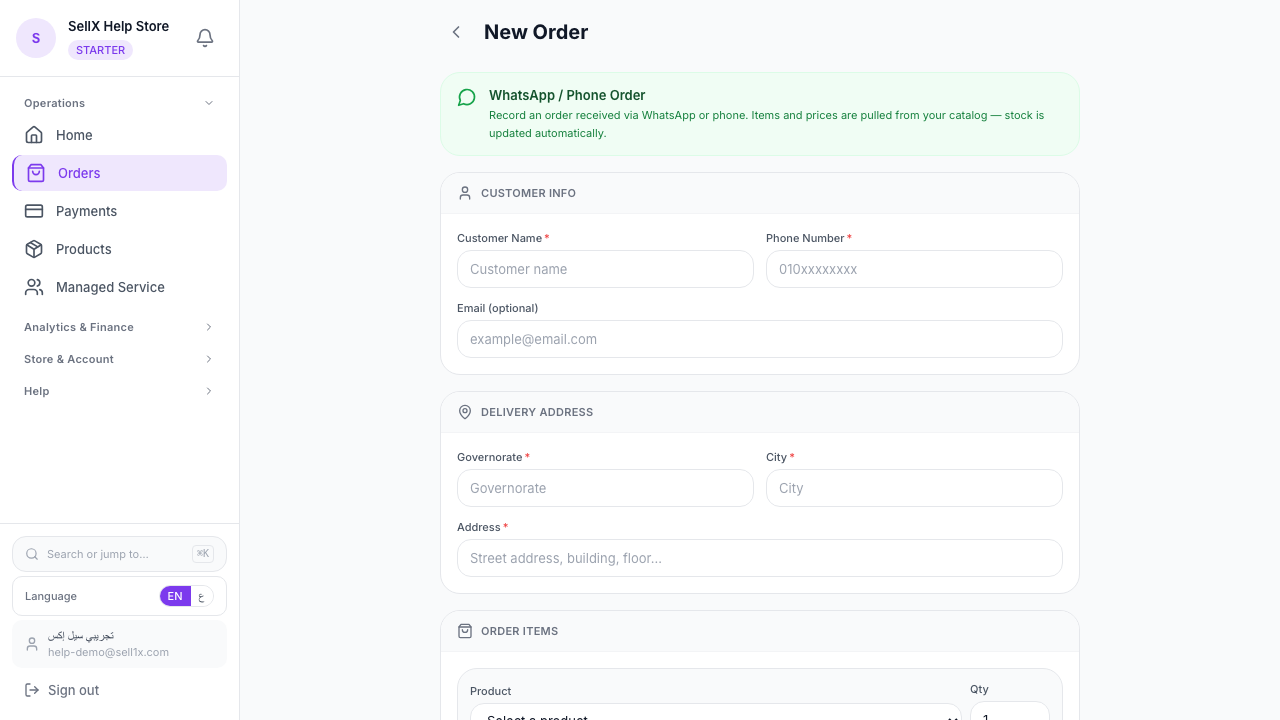
Your customer sends their name in one message, address in another, and the product they want in a third — or forgets to send the address altogether. When you go to collect the data, something is always missing.
4. No Order Status Record
After you talked to the customer and told them "Sure, it'll arrive tomorrow" — where is that record? In your head. With 20 orders a day, your head isn't enough.
5. Old Conversations Fade Away
Try remembering the name of a customer who ordered at the beginning of last month. Hard, right? WhatsApp isn't a search engine, and customer data gets lost over time.
6. No Follow-Up Reminders
If an order needs follow-up — say a customer told you "I'll order tomorrow" — WhatsApp has no way to remind you to follow up. With the daily pressure, it gets forgotten.
The Real Cost of Lost Orders
Losing an order isn't just one missed sale. The math gets complicated:
- Direct loss: The value of the lost order
- Customer loss: A customer you didn't reply to in time goes to a competitor
- Reputation loss: An unhappy customer tells 5 others
- Wasted time: Hours searching for information instead of selling
If you lose just one order per week worth 300 EGP, that's 12,000 EGP gone per year.
The Solution: Separate Marketing from Order Taking
The solution isn't to stop using WhatsApp. WhatsApp is excellent for communicating with customers and following up on orders. The solution is to separate it from receiving orders.
The right system:
- Marketing on Instagram/WhatsApp: Your posts and messages direct customers to your store
- Orders via sellX: Customers order from your store in an organized way
- Confirmation via WhatsApp: After they order, you send a WhatsApp confirmation from the order page
How sellX Solves the WhatsApp Problem
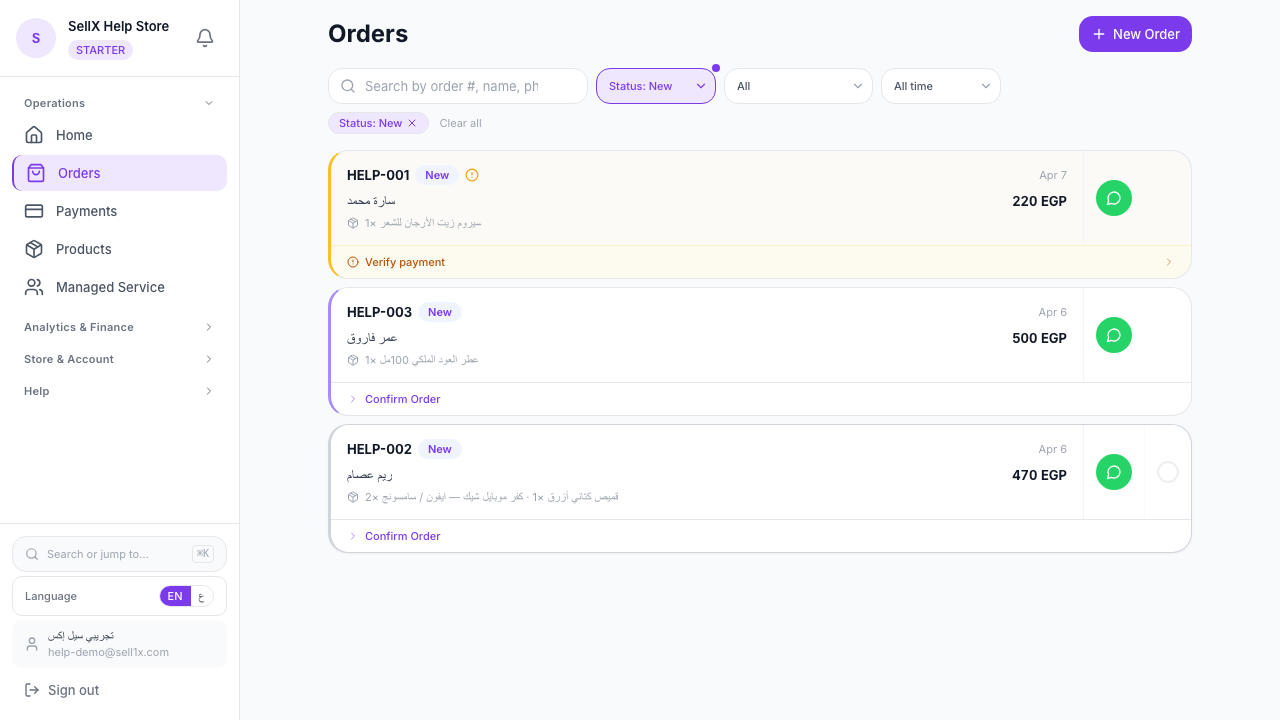
1. Every order in one place Instead of searching through messages, every order is in one organized inbox. Customer name, phone, address, product — all there.
2. Clear status for every order Every order has a status: New, Confirmed, Preparing, Shipped, Delivered. You don't have to remember — the system remembers for you.
3. WhatsApp confirmation from the order page When you confirm an order, sellX opens a ready-made WhatsApp template with all the customer details filled in. You review it and hit send.
4. Customer history Every customer who orders from you is automatically logged. You'll know who's a returning customer, who's new, and who's ordered multiple times.
Transitioning From WhatsApp to the New System
Step 1: Create Your Store on sellX
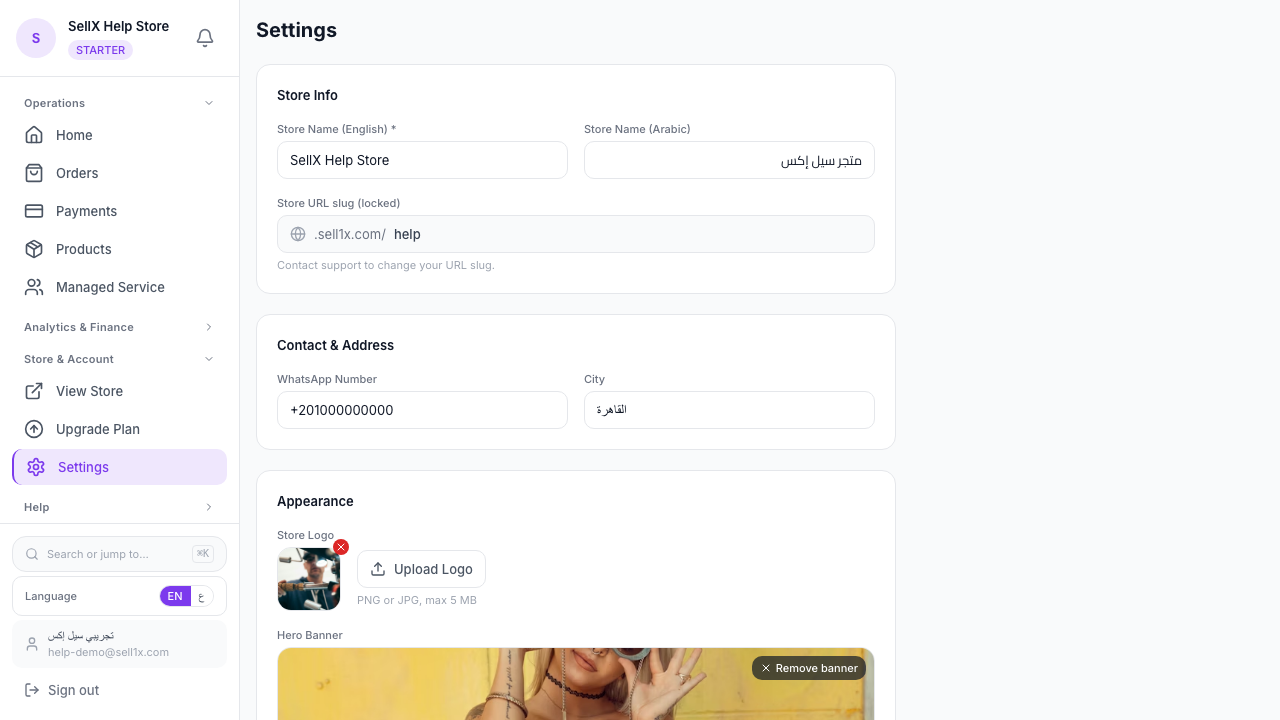
Register for free at sell1x.com and create your store — no developer and no card needed.
Step 2: Move Your Catalog
Add the products you usually share on WhatsApp to sellX. Clear photos, prices, and short descriptions.
Step 3: Direct Customers to the Store
Instead of sending them your catalog in WhatsApp, send them your store link. "Order from here: [your store link]"
Step 4: WhatsApp for Communication Only
Keep WhatsApp for answering questions and confirmations. Orders come from the store, communication happens through WhatsApp — best of both worlds.
The Bottom Line
WhatsApp isn't the problem — using it wrong for orders is. When you separate marketing from receiving, your business gets organized and orders stop getting lost.
sellX helps you do this without complexity. Try it free and see the difference yourself.