WhatsApp Business — A Powerful Tool Most Sellers Underuse
WhatsApp Business is free, easy to download, and has powerful features that make a real difference when used correctly. Many sellers have the app but use it exactly like the regular WhatsApp.
In this article, we'll cover 7 practical ways to make WhatsApp Business work for you, not against you.
Tip 1: Complete Your Business Profile
Your profile is your customers' first impression of your business. In WhatsApp Business, you can add:
- Business name: Your exact store name
- Short description: "Women's clothing store — Nationwide delivery"
- Address + business category
- Business hours: So customers know when to contact you
- Website: Your sellX store link
A complete profile builds trust and shows you're serious about your business.
Tip 2: Use Quick Replies
Quick Replies let you answer recurring questions with one tap instead of typing from scratch each time.
How to set up: Menu → Tools → Quick Replies → Add your replies
Useful quick reply examples:
Shortcut /store → "Our store: [your sellX link] 🛍️"
Shortcut /delivery → "We deliver to all of Egypt. Delivery: 2–4 business days. Shipping: 50 EGP."
Shortcut /order → "To order, visit our store: [link] and choose what you like 😊"
Shortcut /payment → "We accept cash on delivery anywhere in Egypt."
Tip 3: Automated Welcome Message
When a new customer messages you for the first time, an automatic welcome message starts the relationship professionally.
How to set up: Settings → Business Tools → Greeting Message
Sample welcome message: ``` Hello and welcome! 😊
Thank you for contacting [Your Store Name]. To browse our products and place your order: [your store link]
Or type your question and we'll reply as soon as possible 🕐 ```
Tip 4: Away Message
When you're busy or outside business hours, an automatic away message keeps the customer engaged rather than letting them leave.
How to set up: Settings → Business Tools → Away Message
Sample: ``` Thank you for getting in touch! We're currently outside business hours but will reply as soon as possible.
In the meantime, you can browse and order from our store directly: [link] ```
Tip 5: WhatsApp Business Catalog
WhatsApp Business has a catalog feature — you can add your products with photos and prices directly in the app. This is great for customers who prefer to order through WhatsApp.
Important caveat: The WhatsApp catalog doesn't receive organized orders. The customer sees the product and orders via message. If you want a real order tracking system, use sellX for orders and WhatsApp for communication.
The ideal combination: WhatsApp catalog for browsing → sellX link to place the order → WhatsApp for confirmation and follow-up
Tip 6: Status for Daily Marketing
WhatsApp Status is seen by everyone in your contacts. 90% of people check statuses. That's free daily marketing.
How to use Status effectively:
- New product photo + "Available now — order from [link]"
- Deal post + "10% off today only 🔥"
- Prepared orders photo + "Today's orders are ready to ship 📦"
- Before and after (for beauty or skincare products)
- Happy customer testimonial
Tip: Post a status at least once a day. Consistency is what makes the difference.
Tip 7: Labels to Organize Conversations
WhatsApp Business gives you labels (colored tags) you can apply to conversations.
Suggested labels: - 🔴 New Order: conversation with a pending, unconfirmed order - 🟡 Preparing: order confirmed and being prepared - 🟢 Shipped: order sent, awaiting delivery - 🔵 VIP Customer: orders often — deserves special attention - ⚪ Inquiry: question without an order
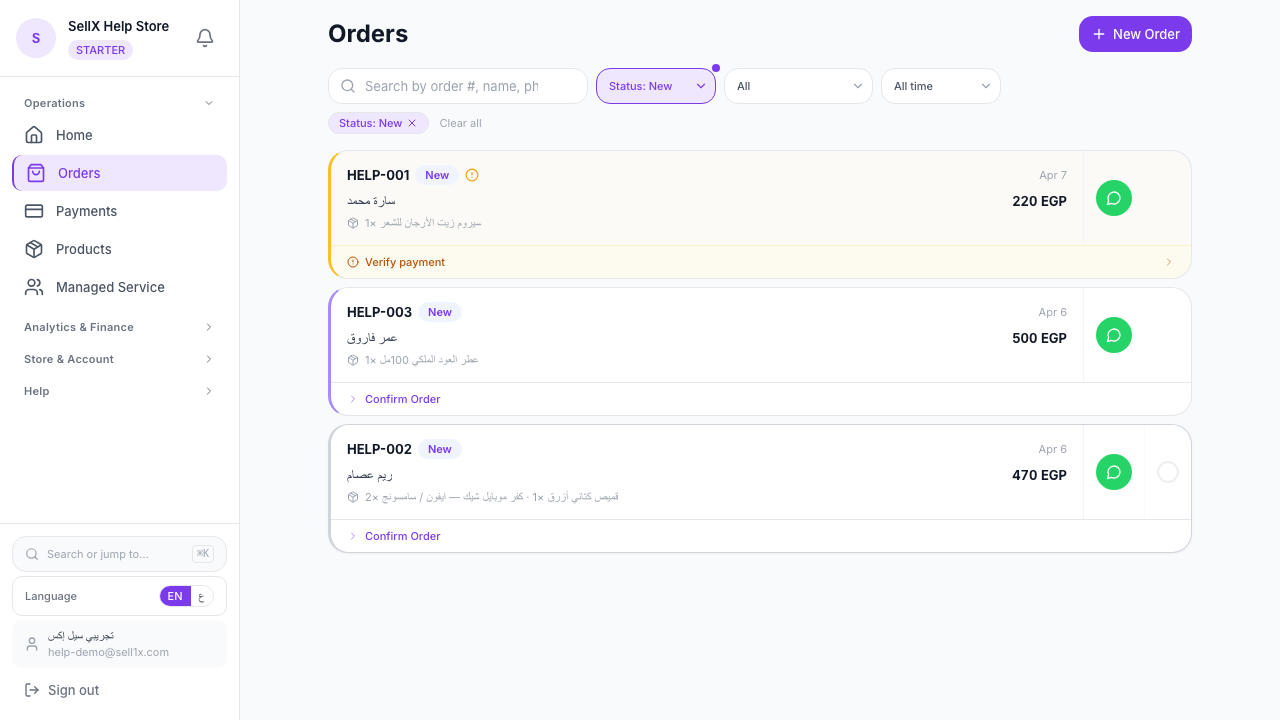
Note: WhatsApp labels are just color-coding. For real order tracking with stages and follow-ups, that's what sellX provides.
Combining WhatsApp Business With sellX
The most powerful selling system combines both:
| WhatsApp Business | sellX |
|---|---|
| Marketing via Status and Catalog | Receiving organized orders |
| Welcome and away messages | Tracking order statuses |
| Customer communication | Automatic WhatsApp confirmations |
| Quick replies for questions | Sales analytics |
WhatsApp for marketing and communication. sellX for orders and management.
The Bottom Line
WhatsApp Business isn't just a messaging app — it's a complete marketing and customer service tool when used correctly.
Try these 7 tips and watch your business become more professional and your customers more satisfied.