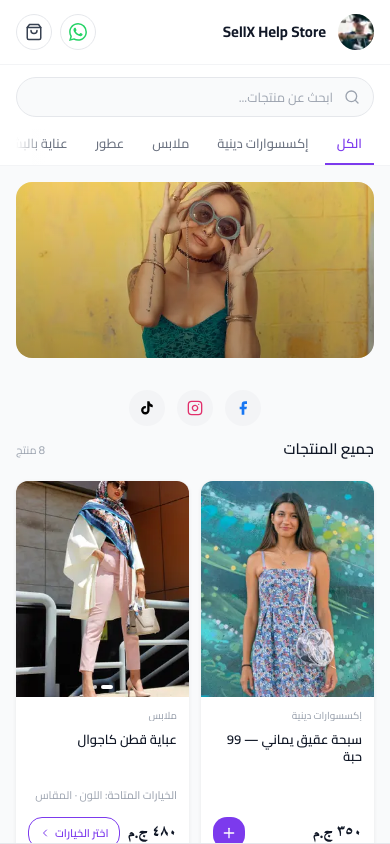
The Simple Solution for the Busy Seller
You don't want something complicated. You don't want to learn a big system. You just want your orders to be organized.
The good news: sellX was designed for sellers who aren't engineers or tech experts. You set it up yourself, with no developer — and you get a complete order system from the start.
What You'll Set Up
Step 1: Create Your Account
Go to sell1x.com and fill in: - Your name - Your email - A password
You'll land in the dashboard immediately.
Step 2: Add Your First Product
Click "New Product" and fill in: - Product name (e.g., "Brown Leather Bag") - Price (e.g., 450 EGP) - A photo (directly from your phone)
You can add a short description if you have time, but it's not mandatory to start.
Step 3: Share the Link
sellX gives you your store link immediately. Put it in your Instagram bio.
That's it. Ready to receive orders.
What Happens Next
When a customer taps the link:
- They see your store and products
- They choose a product and tap "Order Now"
- They enter their name, phone, and address
- They confirm the order
And you? You see the order appear in your dashboard instantly.
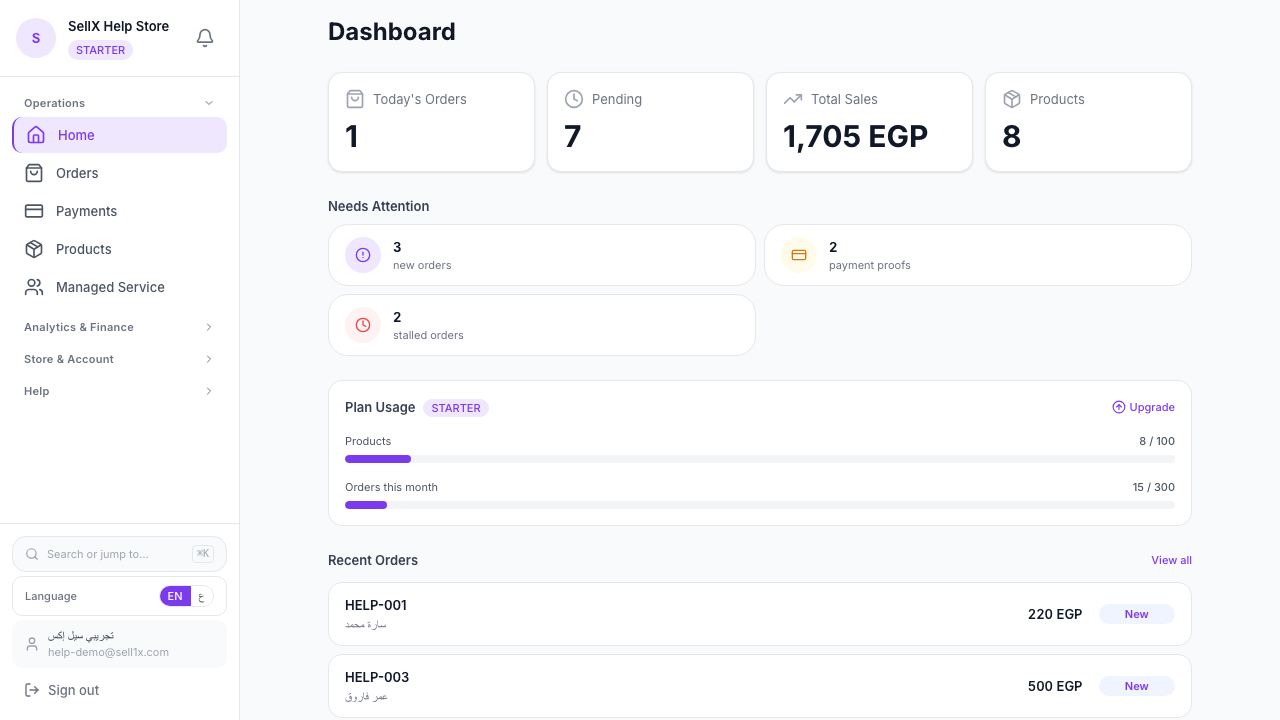
Handling an Order
Step 1: See the Order
From the dashboard, find the new order. Tap it to see the details: customer name, phone, address, and product.
Step 2: Confirm and Send WhatsApp
Tap the "Confirm Order" button. sellX opens WhatsApp with a ready message containing all the customer's details. You review it and hit send.
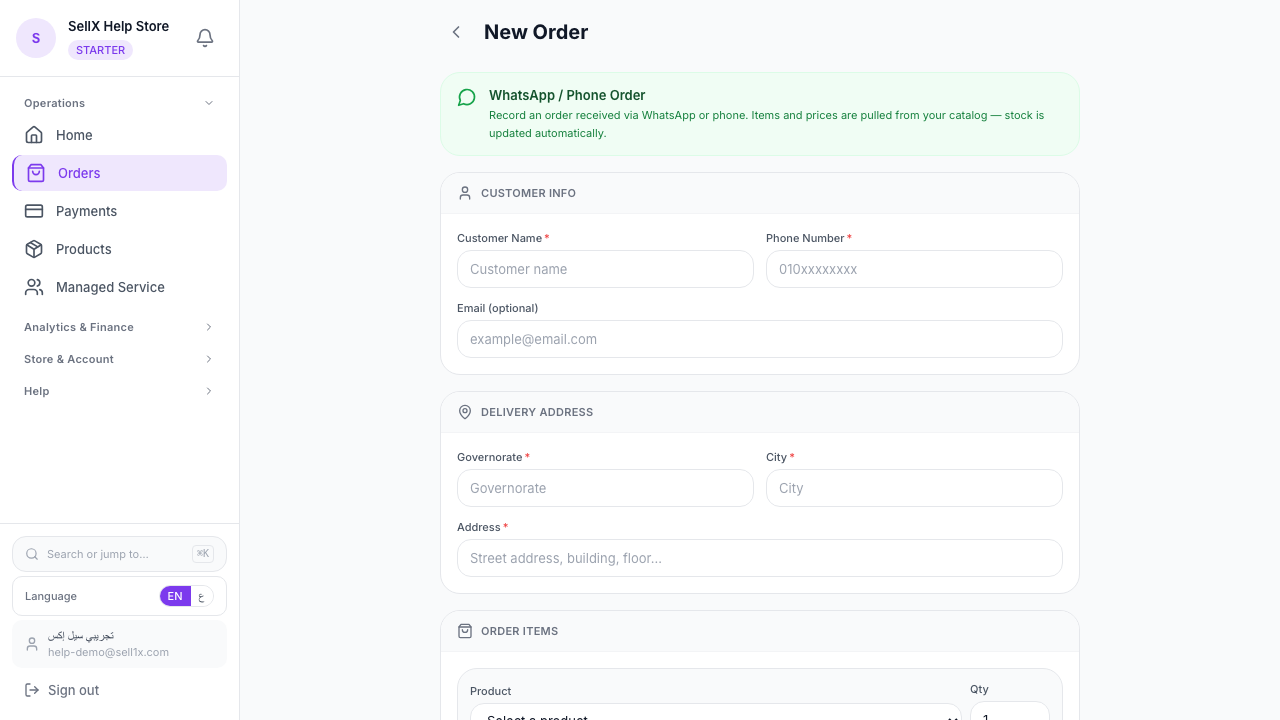
Step 3: Prepare and Ship
Prepare the order and send it to the customer. Then update the order status in the system.
No retyping — the customer's details are already on every order.
Why sellX Is Easier Than the Alternatives
Easier Than DMs
- No scattered messages
- Customer data arrives ready automatically
- Nothing to remember
Easier Than Excel
- No manual typing
- No files to lose
- Works from your phone
Easier Than Other Systems
- No technical experience needed
- You set it up yourself — no developer, no agency
- Free to start
What You Need to Start
- Phone or laptop connected to the internet
- Email to register
- Product photos (already on your phone)
- A price for each product
You don't need: - A credit card (free plan) - Technical experience - Website design - Coding
The Free Plan Is Enough to Start
The sellX free plan includes: - Unlimited products - Up to 30 orders per month - Full dashboard - WhatsApp templates - QR code for your store
That's more than enough if you're starting out or your business is small.
When you grow and need more, you can upgrade to paid plans at a reasonable price.
The First Step — Right Now
Not tomorrow. Not "when I have time." Right now.
Go to sell1x.com, register, add your first product, and you have an order system.