QR Code — The Missing Link in Your Strategy
Many sellers spend time and effort attracting new customers. But in reality, the best customer is one who already bought from you. A satisfied customer comes back — if you make it easy for them.
Your sellX QR code is that bridge. One camera tap and your customer is at your store.
What Is Your Store QR Code?
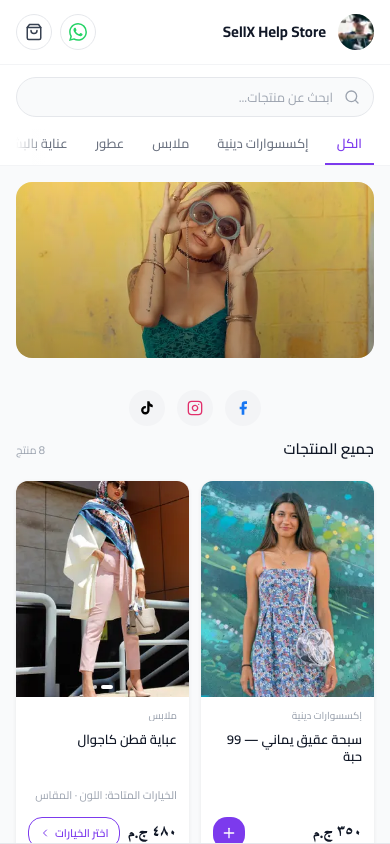
sellX generates a unique QR code for your store. When someone scans it with their phone camera, your store opens directly.
QR code advantages: - Customer doesn't need to type a link - Customer doesn't need to remember your store name - One tap and they're there
The Best 6 Ways to Use Your QR Code
1. In Packaging With Every Order (Most Important)
This is the most powerful use by far. With every order you ship, include a small card with: - A thank-you message - Your store QR code - An encouraging line: "Your next order from here 👇"
A customer who received their order and loved it is the most likely person to order again. If you make it easy, they will.
Cost of this card? Negligible. Return? Repeat customers.
2. On a Thank-You Card
Print a simple card with: `` Thank you for your trust ❤️ For your next order, it's just as easy: [QR code] ``
This card stays with the customer longer than the packaging.
3. In Printed Catalogs
If you create a catalog for wholesale buyers or for display, put the QR code on every page. This makes the printed catalog direct to your online store.
4. At Markets and Fairs
If you participate in a market or trade show: - Print a large banner with the QR - Place it on the table in front of visitors - Write "Order online even after the event"
This converts fair visitors into online customers — even if they didn't buy on the day.
5. In Social Media Photos
In some posts, include the QR code as part of the image. Some people prefer to scan rather than tap a link.
6. On the Product Itself (if applicable)
Some products like clothing, accessories, or gifts — you can put the QR code on the product tag. This gives you presence with the product for its entire life.
How to Print Your Store QR Code
From sellX Directly
In store settings or from the store page, you'll find a "Download QR Code" button. Download it as a high-quality image.
Design and Printing
For home printing: - Download the QR code as a PNG - Open any design tool (Canva, even PowerPoint) - Add your store name and a short line - Print on regular paper or card stock
For bulk printing: - Send the design to any print shop - An order of 100 or 500 small cards is very affordable
How to Know If Your QR Is Working
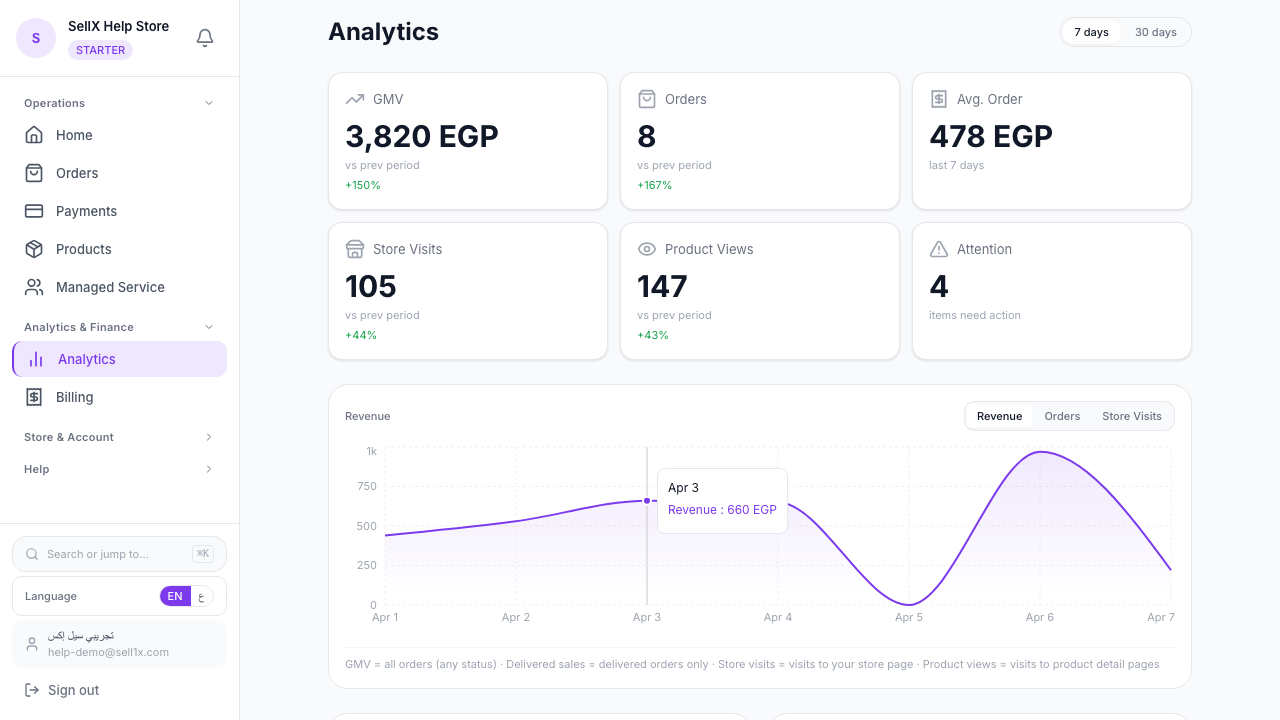
Track orders from customers who previously ordered. If you notice the repeat customer rate increasing, that's an excellent sign.
The Message Next to the QR Code
The QR code is just a tool. The text written next to it is what drives the customer to act.
Effective messages: - "Your next order from here 👇" (direct and clear) - "Loved the product? Reorder easily 🛍️" (positive motivation) - "Your friend would love it too — share the code" (expanding reach)
Avoid: - "Scan the code to visit" (formal and cold) - Long messages next to the code (distracts from the scan)
Combining QR With Social Media
A powerful strategy: every online ad + QR in the physical world = full presence.
- Your Instagram ads direct people to the store
- QR in packaging converts customers to repeat buyers
- QR at markets converts visitors to online customers
The Bottom Line
Your store QR code is ready and waiting in sellX. Print it and put it everywhere possible — especially with every order you ship.
Cost: minimal. Return: customers who come back on their own.