Professionalism Isn't a Nice-to-Have — It's a Requirement
In 2026, customers have endless options. If your store doesn't feel professional from the first moment, they'll move to a competitor in seconds.
Professionalism doesn't necessarily mean spending a lot. It's in the details that make a customer feel you're serious and trustworthy.
5 Signs Your Store Isn't Professional Enough
1. Poor or Unclear Product Photos
A photo is the first thing a customer sees. If it's dark, blurry, or on a cluttered background — they won't buy.
2. No Product Description
"Leather bag — available" — that's not a description. Customers need to know: dimensions, materials, available colors, how to care for the product.
3. No Clear Way to Order
"DM to order" — this makes the order dependent on your response time. If you don't reply within an hour, the customer is gone.
4. No Return or Exchange Policy
Customers hesitate to buy if they don't know what to do if the product doesn't meet expectations. Even if your policy is simple, write it down.
5. Slow or Inconsistent Communication
If a customer asks you a question and your reply takes a day or two, that destroys their trust before they even buy.
Elements of a Professional Store
1. A Clear, Distinctive Store Name
Your store name should be: - Easy to say and remember - Reflective of what you sell - Consistent across all channels (Instagram, WhatsApp, store)
2. High-Quality Photos
You don't need a professional camera. A modern phone + natural light + white or beige background = excellent results.
Quick photo tips: - Shoot by a window during the day - Use white paper or fabric as a background - Take multiple angles - Show important details (stitching, materials, size)
3. Comprehensive Product Description
The ideal product description includes: - Specifications (size, weight, materials) - Usage or care instructions - Available colors or sizes - Any important decision-making information

4. Clear Delivery Policy
Write clearly: - Which areas do you deliver to? - How long does it take? - How much does shipping cost?
5. Easy Ordering Process
This is the most important element. When customers can order themselves without needing to contact you, conversion rates double.
Step by Step: Build a Professional Store on sellX
Step 1: Set Store Name and Add Logo
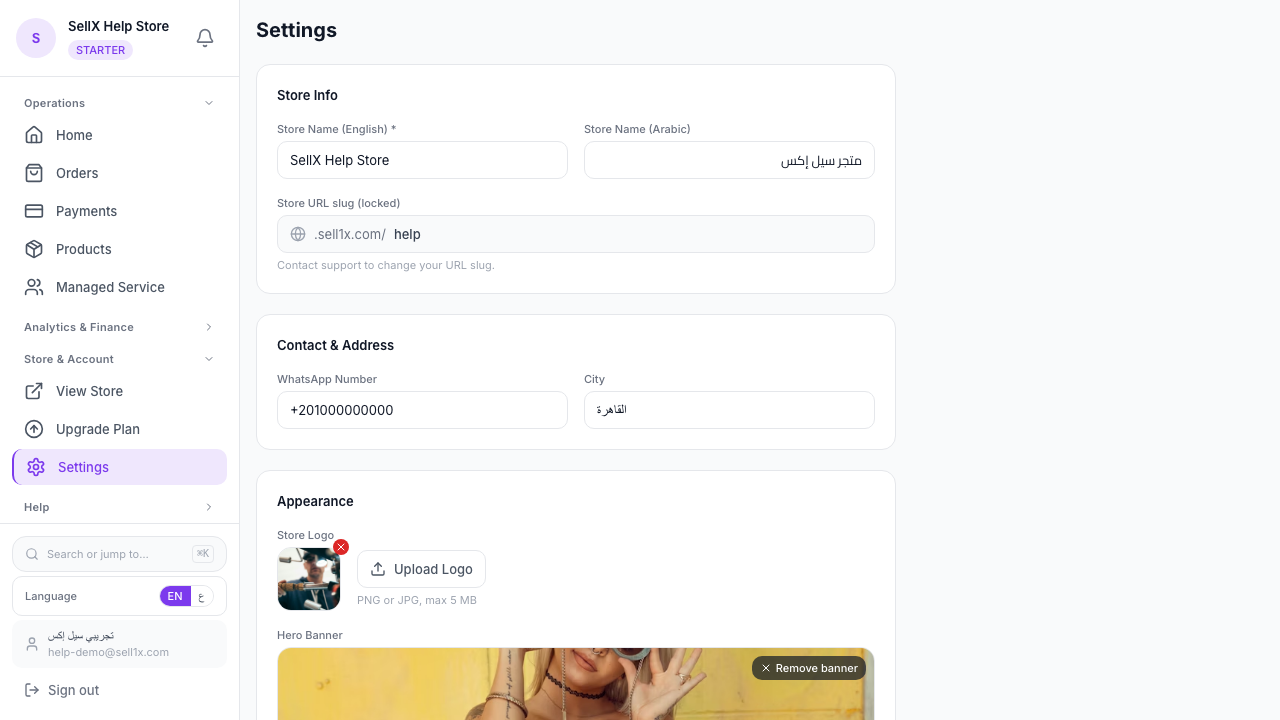
In sellX settings, you can add your store name, logo, primary color, and contact details. This gives your store a cohesive visual identity.
Step 2: Organize Products Into Categories
If you have many products, organize them into categories. "Accessories," "Clothing," "Deals" — makes browsing easy.
Step 3: Write Professional Descriptions for Each Product
Use sellX's AI tool to draft a professional description for you. Always review and add details specific to your product.
Step 4: Add WhatsApp Number and Contact Info
Your customers need to know how to reach you easily for questions or problems. sellX displays your contact information in the store.
Step 5: Test the Experience as Your Customer Would
Place a test order yourself from your store. See how the experience feels — is it easy? Are photos clear? Is the pricing understandable?
Professionalism in Communication
Professionalism isn't just in the store — it's in how you communicate with customers.
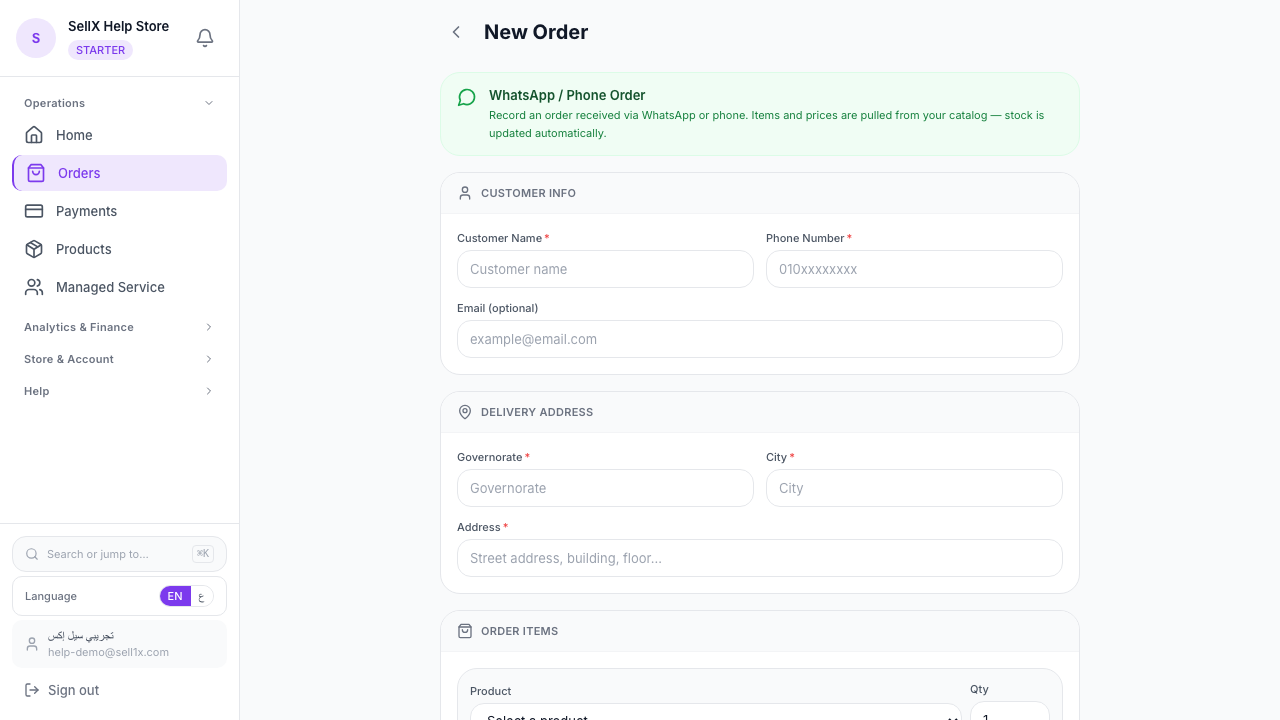
Confirmation messages: After a customer orders, send an immediate confirmation. sellX has ready-made WhatsApp templates you can send from the order page.
Update messages: When an order ships, notify your customer. This reduces questions and builds trust.
Post-delivery messages: Something simple like "Did you like the product?" makes a big difference in customer loyalty.
Professionalism on Social Media
A professional store needs a professional social presence:
Instagram: - Clear bio with store name and store link - Highlights covering products, prices, and ordering process - Regular posts (3–5 posts per week)
WhatsApp: - Professional profile picture (store logo) - Status with store link - Quick responses to inquiries
The Bottom Line
Professionalism starts with small details: clear photos, comprehensive descriptions, an easy ordering process, and fast communication. Each of these builds customer trust in you.
sellX gives you all these tools in one place — free to start.