The Late-Night Grind Sellers Don't Talk About
You're prepping a new collection. Photos are shot, descriptions written, prices set. You've told your Instagram followers: "Dropping Friday at midnight sharp."
You now have two options:
1. Stay up until midnight to hit "publish" on every product at the right moment. That's a full night of sleep gone.
2. Publish two days early and spoil the drop — killing the surprise and the hype.
The Fix: Scheduled Product Visibility
Every product in sellX has a setting called "Visibility date and time".
How it works
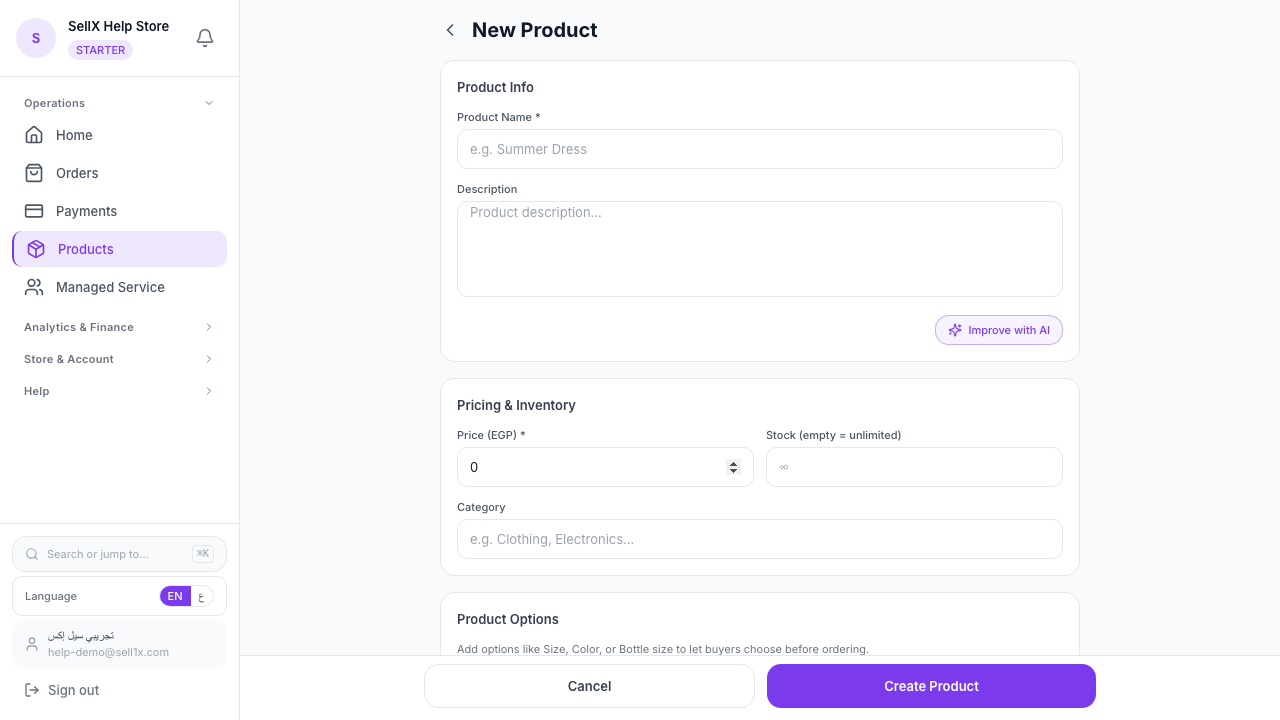
- Add the product normally (photos, description, price, stock)
- In the Visibility section, pick "Scheduled" instead of "Visible" or "Hidden"
- Choose the date and time: e.g. 2026-04-28 at 00:00
- Save — the product stays hidden for now
At exactly 00:00, sellX flips it live automatically. No action needed, no late nights, even if you're asleep or traveling.
How the activation actually works
sellX runs a background job every 15 minutes that checks scheduled products. If the visibility time has arrived, the product appears on the storefront — and buyers can order.
So if you schedule for 12:00, it goes live between 12:00 and 12:15. Tight enough for scheduled campaigns.
Practical Scenarios
1. Ramadan drop
Day one of Ramadan = the highest shopping day of the year. Prep all Ramadan products a week in advance and schedule them for the first hour. You're breaking fast with family — sellX is opening the store for you.
2. Monthly collection drops
If you drop a new collection each month (say, the first Friday), prep the products the week before. Schedule them for Friday at 8 AM. Followers find them when they wake up — while you sleep in.
3. Influencer-collab launch
You've agreed with an influencer to post a Story at 6 PM. Schedule the product for 5:55 PM. The moment the Story goes live, the product is ready — zero gap.
4. Coming back from a trip
Traveling for a week? Prep new products before leaving and stagger their schedule across different days. Your store runs without you.
5. Time-limited offers
Schedule a "Flash Sale" product for Sunday morning. Combine it with a discount price and you have a full-blown launch with zero intervention.
Smart Scheduling Tips
1. Schedule at least a day ahead
Don't schedule 11:55 for a 12:00 drop. If something tiny goes wrong (missing photo, wrong price), you need time to notice and fix it.
2. Prep the caption ahead of time
Scheduling publishes the product, but you still need the Instagram caption and link. Have the caption ready in a draft.
3. Pick a time your audience is online
Best windows in Egypt: - Women-focused products: 11 AM – 2 PM (at home) - Youth-focused products: 8 PM – 11 PM - Ramadan items: right after iftar
4. Review the schedule the morning of launch
A few hours before the set time, open your dashboard and confirm the products are still scheduled with the right info. Two minutes that save you from a big miss.
How sellX Compares
Most storefront tools in Egypt don't support scheduling. Sellers end up either: - Staying up to hit "publish" (most cases) - Publishing two days early and spoiling the drop - Relying on "someone to help" post on time (unreliable)
sellX includes scheduling as a core feature in the free plan. No paid upgrade, no plugin.
The Bottom Line
Scheduling = you're selling while you're asleep.
Planning a new collection? First step: put the date and time in your calendar, and prep the products in sellX scheduled for that moment.
Try scheduling free on sellX ←
Read next: How to set up your store in 10 minutes