Photos Sell Before Words Do
In online selling, your customer can't touch the product or see it with their own eyes. The photo is everything.
Studies show that 93% of online purchase decisions are influenced by photo quality. This isn't an exaggeration — it's what you see every day. A product with a bad photo doesn't sell, even if the product itself is excellent.
The good news? You don't need an expensive camera or a studio. A modern phone + the right steps = photos that compete with major retailers.
The 3 Most Important Factors in Product Photography
1. Lighting — The Number One Factor
Lighting is the most important factor in any photo. Natural light (sunlight) is the best and cheapest option.
How to use natural light: - Shoot near a large window during the day (9 AM–3 PM is ideal) - Position yourself in reflected shade, not direct sunlight — direct sun creates harsh shadows - An overcast day is actually ideal — the light is soft and even
If you don't have a good window: - A ring light for 150–300 EGP solves the problem - Two regular lamps from both sides gives acceptable results
2. Background — Simplicity Is King
A cluttered background distracts from the product. Simplicity is the solution.
Best backgrounds: - White cardboard: cheap and available at any stationery shop - White or light grey fabric: soft and easy on the eyes - Natural wood: adds warmth for practical products and gifts - Floor or table directly: if the space is clean and organized
Avoid: - Stained or messy backgrounds - Busy colorful rugs and curtains - Shooting on a bed or sofa (looks unprofessional)
3. Angles — Show the Product From Every Side
Your customer wants to see the product from multiple angles:
- Front angle: the main shot, product centered
- 45-degree angle: gives depth and dimension
- Top-down (flat lay): great for flat products (clothing, accessories)
- Close-up details: stitching, texture, logo, any special details
Practical Photography Steps
Step 1: Prepare the Space
- Clean the product
- Set up the background
- Secure good natural light (near the window)
- Remove anything from the frame that won't appear in the shot
Step 2: Set Up Your Phone
In camera settings: - Enable the Grid — helps you center the product - Use the rear camera, not the front — always better quality - Adjust Exposure — tap the product on screen so it meters the light off the subject
Step 3: Take More Than One Shot
Take at least 10 photos from different angles. You'll select the best 3–5 at the end.
Step 4: Light Editing After Shooting
No need for Photoshop. Apps like Snapseed or Lightroom Mobile (both free) are enough: - Increase brightness slightly if the photo is dark - Increase contrast so the product pops - Adjust white balance if the photo looks yellow
Advanced Tips That Increase Sales
Photograph the Product in Use
"Lifestyle" photos — showing the product in context of use — are sometimes better than a white background shot: - Bag on a real person's shoulder - Cream applied to a hand - Dress being worn by someone
Show the Scale
Customers can't judge size from a photo alone. Place next to the product: - A human hand (for scale comparison) - Measurements written in the photo itself - A familiar object next to it (a drink bottle, for example)
Photograph Every Color and Size
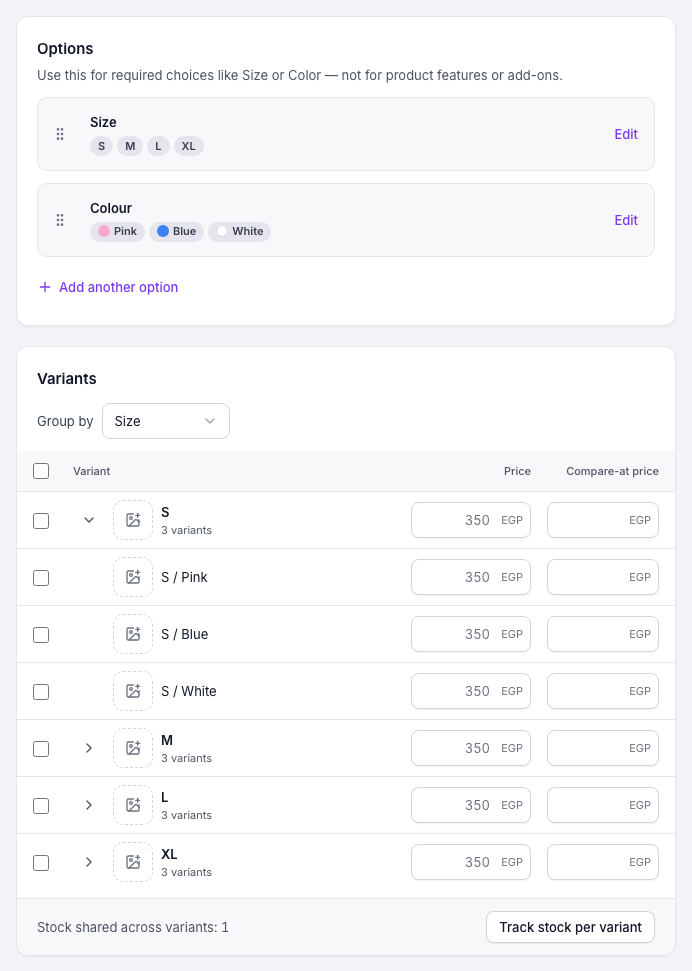
If your product comes in different colors or sizes, photograph each one. Customers know exactly what they're choosing.

Common Mistakes to Avoid
| Mistake | Solution |
|---|---|
| Dark photo | Shoot near window or use ring light |
| Cluttered background | Simple white background |
| Only one photo | 3–5 photos from different angles |
| Tilted or uneven shot | Enable the grid |
| Product off-center | Use the rule of thirds |
| Phone flash | Turn off flash, rely on natural light |
Artificial Lighting When You Have No Natural Light
If your business requires shooting at night or in a windowless space:
1. Ring light: Cheapest and easiest solution. Available from 150 EGP and perfectly suited for online selling.
2. Two lamps from each side: Place them at the same height on each side of the product to avoid shadows.
3. Daylight bulbs: 5500K–6000K gives you white light similar to sunlight.
The Bottom Line
A good photo = more sales. This isn't an opinion — it's a fact.
Your phone is completely sufficient if you use it right. Natural light + simple background + multiple angles = excellent results.
Try these steps in your next shoot and watch the difference in your conversion rate.