Excel Isn't Wrong — It's Just Not the Right Tool
Many sellers start their business with Excel. That makes sense — it's free, easy to use, and you've known it since school. You create columns: Name, Phone, Address, Product, Status — and think the problem is solved.
Unfortunately, Excel breaks down fast when orders start scaling.
7 Problems With Using Excel for Selling Orders
1. Customer Data Gets Typed Wrong
When you manually type everything each time, errors are inevitable. "Mohamed" or "Mahmoud"? "Tahrir St" or "Al Tahrir Street"? Over time, the file fills with unreliable data.
2. No Real-Time Updates
You shipped the order and forgot to update Excel — that happens constantly. And then there's no way to know which stage an order is at.
3. Not Available Everywhere
You open Excel only from your laptop? What happens when you need to check an order while you're out?
4. No Alerts
Excel doesn't tell you "you have 5 orders that need attention." You have to open it and check yourself — and that gets forgotten.
5. Reports Are Hard to Make
Want to know how many orders were delivered this month? Or your best-selling product? In Excel that takes time and requires formulas.
6. No Stage Separation
New orders and delivered orders all live on the same sheet. Over time the file grows and becomes hard to work with.
7. No Change History
If you change something by mistake, you can't undo it. The big disasters come when someone accidentally deletes a row.
The Alternative: A System Built for Orders From the Ground Up
sellX isn't online Excel — it's a system built specifically to manage social-media selling orders.
What it does automatically:
- Receives customer data in a structured way: name, phone, address, products — all arrives ready without you typing anything
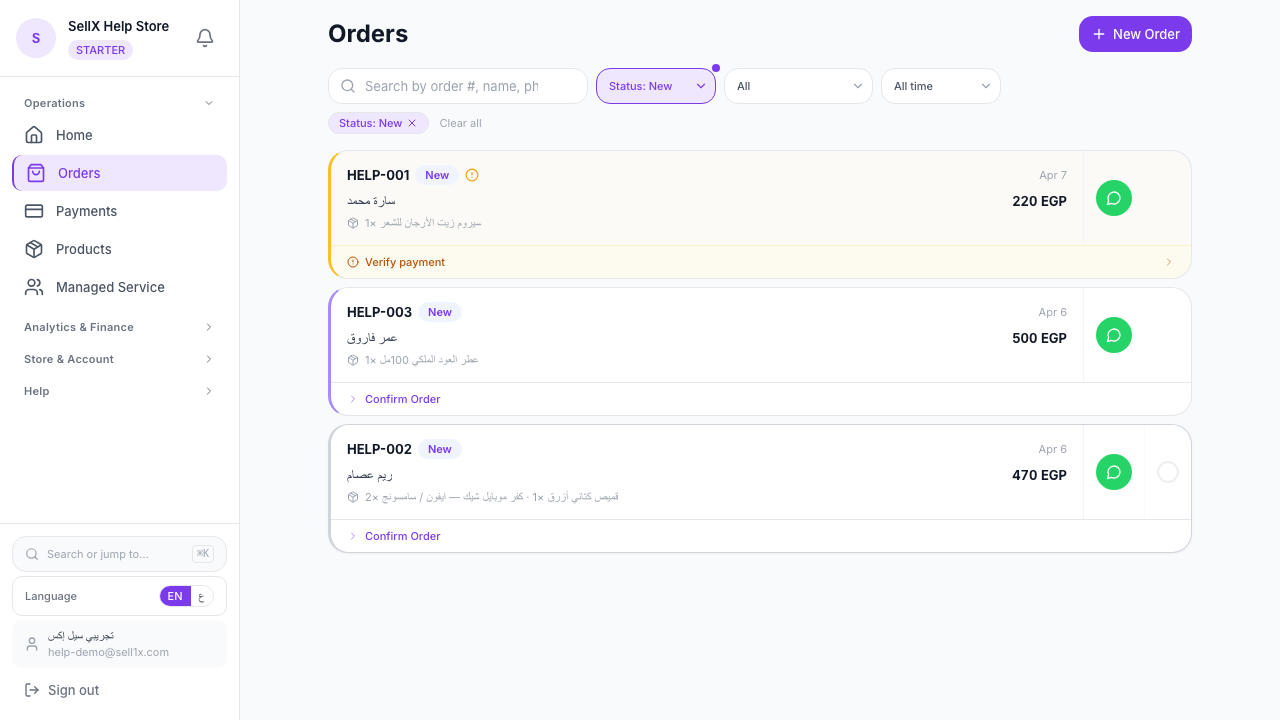
- Tracks every order status in real time: New → Confirmed → Preparing → Shipped → Delivered
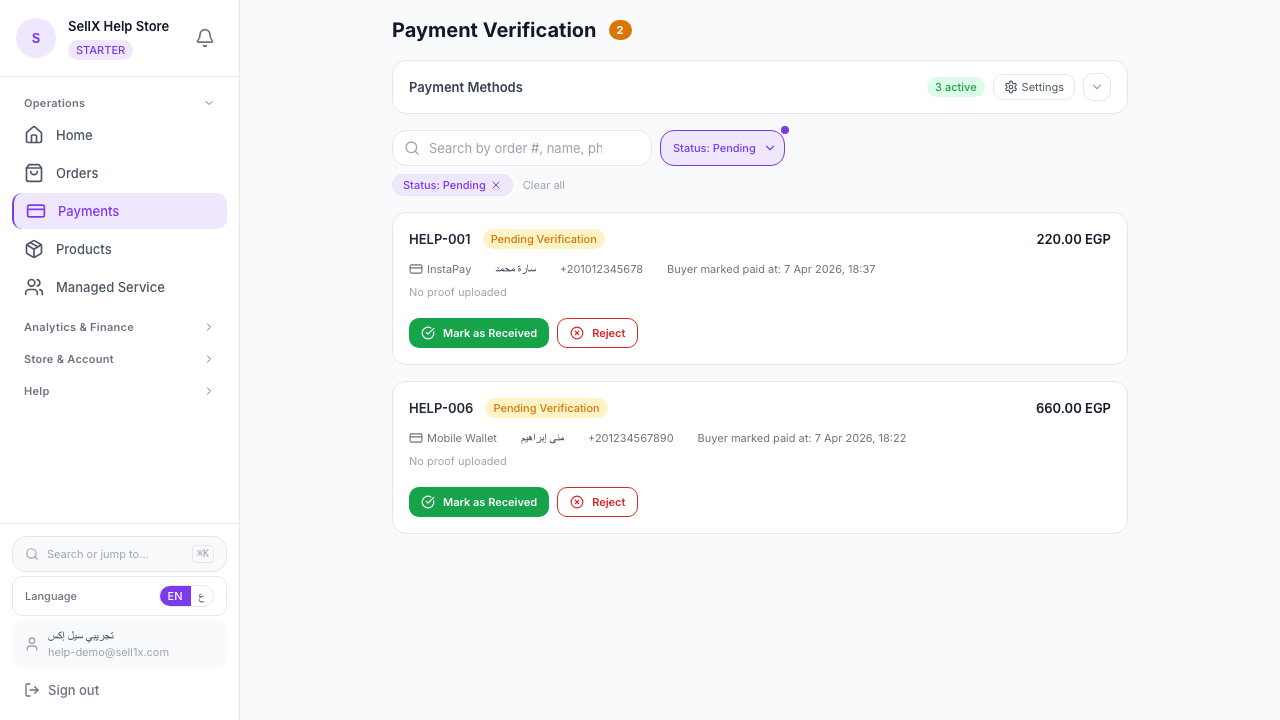
- Sends you alerts if orders need attention
- Calculates statistics automatically: orders per week, best-selling product, total sales
Step by Step: Moving From Excel to sellX
Step 1: Create Your Account
Go to sell1x.com, register with your email, and start right away.
Step 2: Add Your Products
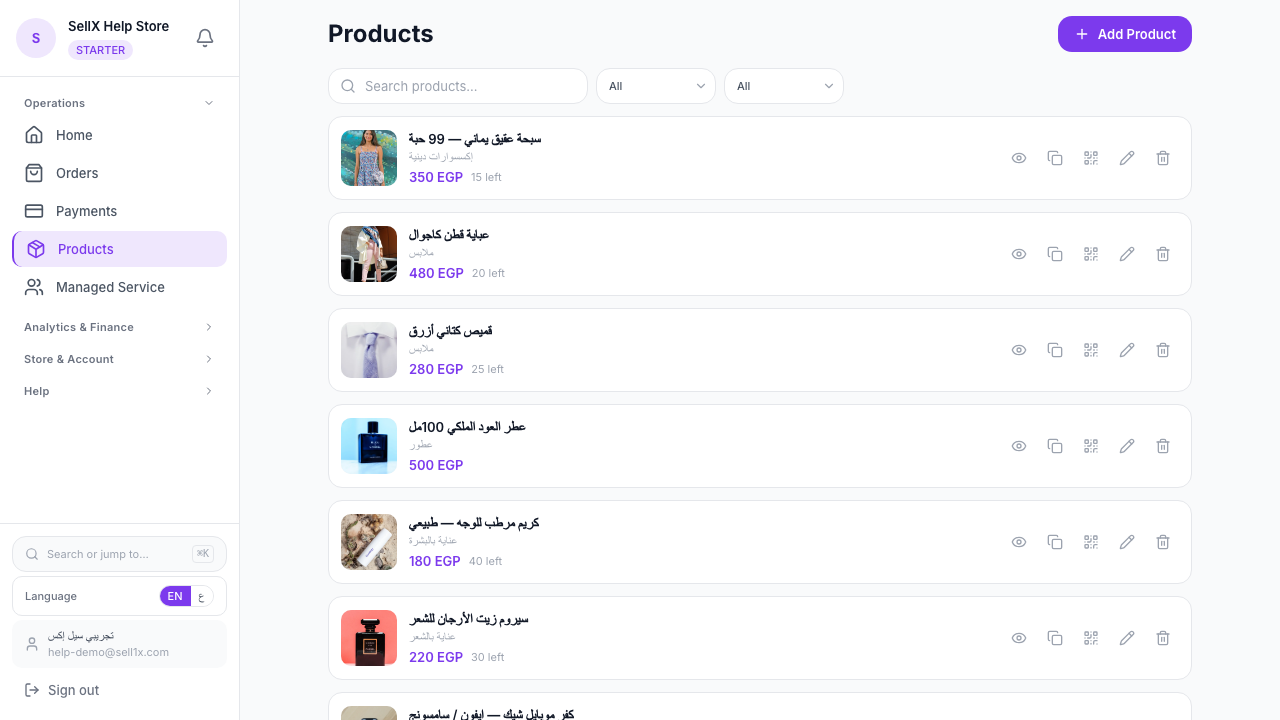
Instead of writing products in Excel every time, add them once in sellX. Photo, name, price — and it's there for customers to choose from.
Step 3: Share Your Store Link
Customers open the store and order themselves. Their data is recorded automatically — no Excel typing needed.
Step 4: Track Orders from the Dashboard
The dashboard shows all your orders sorted by status. You can move an order from one stage to the next right from the order page.
Step 5: Get Your Reports Effortlessly
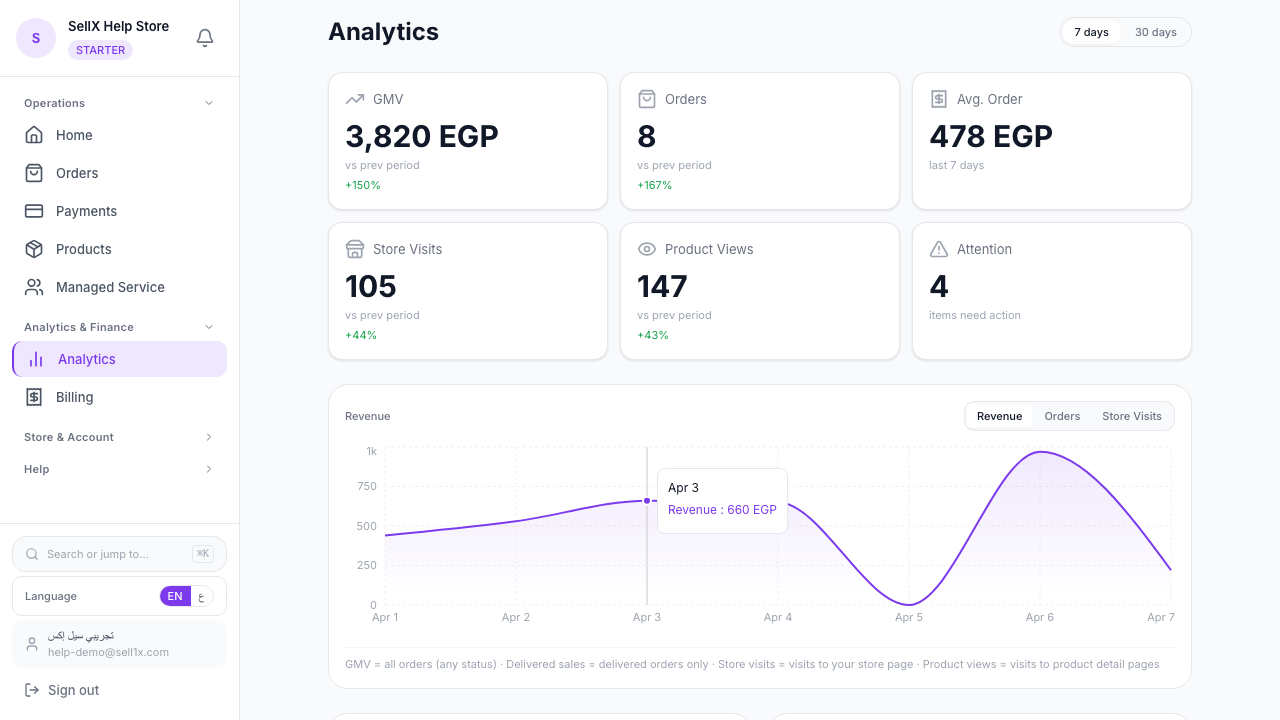
No formulas, no calculations — sellX shows you daily, weekly, and monthly summaries automatically.
Comparison: Excel vs sellX
| Excel | sellX |
|---|---|
| You type customer data manually | Customer enters their own details |
| Change status manually | Change status from the order page — the buyer's tracking page follows |
| Not easily accessible on mobile | Works on any device, any time |
| No alerts | Alerts for important orders |
| Reports take time | Automatic real-time reports |
| Data on a local file | Data safely stored in the cloud |
What Sellers Who Made the Switch Say
"I'd been using Excel for 3 years thinking it was the solution. When I tried sellX, I felt like I'd wasted time. The system does everything and I don't have to worry."
"The big problem was that Excel wasn't accessible to my wife when she helped me with the business. Now we both see the same orders at the same time from our phones."
The Bottom Line
Excel is a great first step — but it's not your final destination. When your business grows and orders increase, you need a specialized system.
sellX is free to start, requires no technical expertise, and you'll see the difference from your first orders.