Why Order Confirmation Matters More Than You Think
When a customer places an order and receives no confirmation, here's what goes through their mind: - "Did the order register correctly?" - "Will they contact me?" - "Could I lose my money?"
That anxiety leads to repeated messages ("Did you receive my order?") or worse — a negative review before the order even arrives.
A quick confirmation cuts all that doubt at the root.
The Ideal Confirmation Stages
Stage 1: Acknowledgment (Immediate)
Within 2 minutes of receiving the order, send the customer a notification that you received their order. It doesn't have to be long.
Sample Acknowledgment Message: `` Hello [Name]! ✅ We received your order #[Number] successfully. We're reviewing the details and will be in touch shortly. ``
Stage 2: Order Confirmation (Within an Hour)
After reviewing the order and confirming product availability and data accuracy, send an official confirmation.
Sample Confirmation Message: ``` 🎉 Your order is confirmed!
Hi [Name], Your order #[Number] has been confirmed successfully.
Product: [Product name] Price: [Price] EGP Address: [Delivery address]
We're preparing it now and it'll reach you within [timeframe]. Any questions, I'm here! 😊 ```
Stage 3: Shipping Update
When you hand the order to the shipping company, notify the customer.
Sample Shipping Message: ``` 📦 Your order is on the way!
Hi [Name], Your order #[Number] has been shipped. Expected arrival: [Date/Time]
For any inquiry, I'm right here! 🚚 ```
sellX and Ready-Made Confirmation Templates
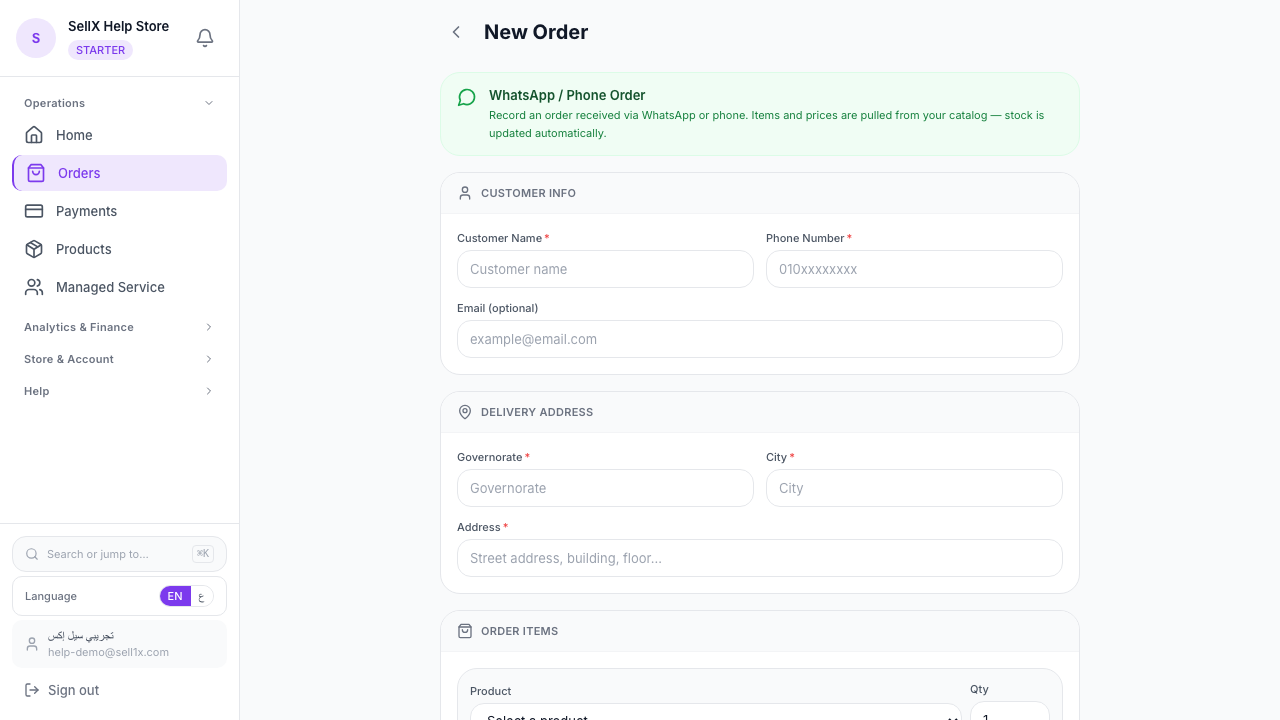
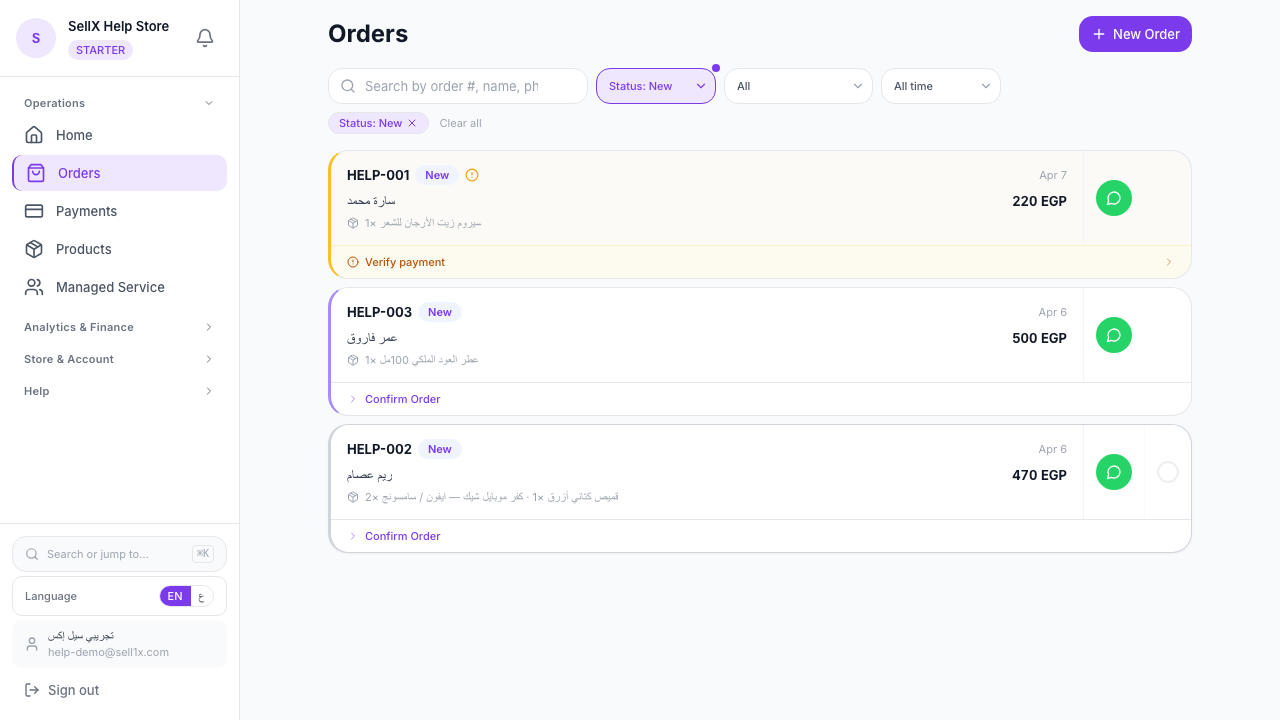
In sellX, these templates are ready for every stage. From the order page:
- Open the order details
- Tap the Confirm Order button, with Notify customer via WhatsApp ticked
- WhatsApp opens on the customer's chat with the message ready and all their details filled in
- Tap send
The message is already written, instead of typed from scratch for every order.
Common Confirmation Mistakes
Mistake 1: Delayed Confirmation
If you delay confirmation more than 2 hours, there's a good chance the customer already placed the same order with a competitor. Time is everything here.
Mistake 2: A Vague, Incomplete Message
"OK, stick with me" — that's not a confirmation. The customer needs to know: order number, product, price, and expected delivery date.
Mistake 3: Not Verifying Delivery Details
Before you proceed, always double-check the address. A wrong address = wasted time and a problem with the customer.
Mistake 4: No Updates After Confirmation
Confirmation isn't the end of communication — it's the beginning of the customer's journey with their order. Shipping and delivery updates matter as much as the initial confirmation.
Confirming Cash-on-Delivery (COD) Orders
The vast majority of orders in Egypt are COD. Confirmation here is even more important because payment happens at delivery.
What to include in a COD confirmation message: - Confirmation that the order is confirmed - The amount they'll pay upon delivery - A reminder of the payment method (cash on delivery)
Sample: ``` ✅ Order Confirmation
Hi [Name], Your order #[Number] is confirmed!
Product: [Name] Total: [Price] EGP — Cash on Delivery
We're preparing it and will be in touch to arrange a delivery time. ```
Confirming Multiple Orders at Once
If you have 10 new orders at the same time, you don't need to confirm each one manually one by one.
In sellX, you can: 1. View the list of new orders 2. Confirm each quickly 3. Templates auto-fill with each customer's details
After Delivery: The Follow-Up Message
One message after delivery can make a big difference.
Sample Post-Delivery Message: ``` Hi [Name]! 😊 Hope everything arrived well! Did you enjoy the product? Share your review or a photo 📸
And if you need anything, I'm always here. 🤍 ```
This message does 3 things at once: confirms delivery, asks for feedback, and opens the door for future orders.
The Bottom Line
Confirming orders simply and clearly = a relaxed, reassured customer = more orders in the future.
sellX puts the whole confirmation on the order page, message included. Try it free.