It's 3 AM, Someone Ordered, You're Asleep
Ever opened your dashboard in the morning and found 3 orders that came in overnight while you slept?
That's not a "lost hours" problem. It's a you-discovered-those-orders-hours-late problem. A buyer who ordered and heard nothing back might: - Cancel the order - Reorder from someone else - Lose momentum and move on
In Egypt, speed of response = the difference between a closed sale and a lost one.
Fix 1: Real-Time Notifications (Under 2 Seconds)
sellX uses Server-Sent Events (SSE) — a persistent connection between your browser and the server. The moment someone orders from your store:
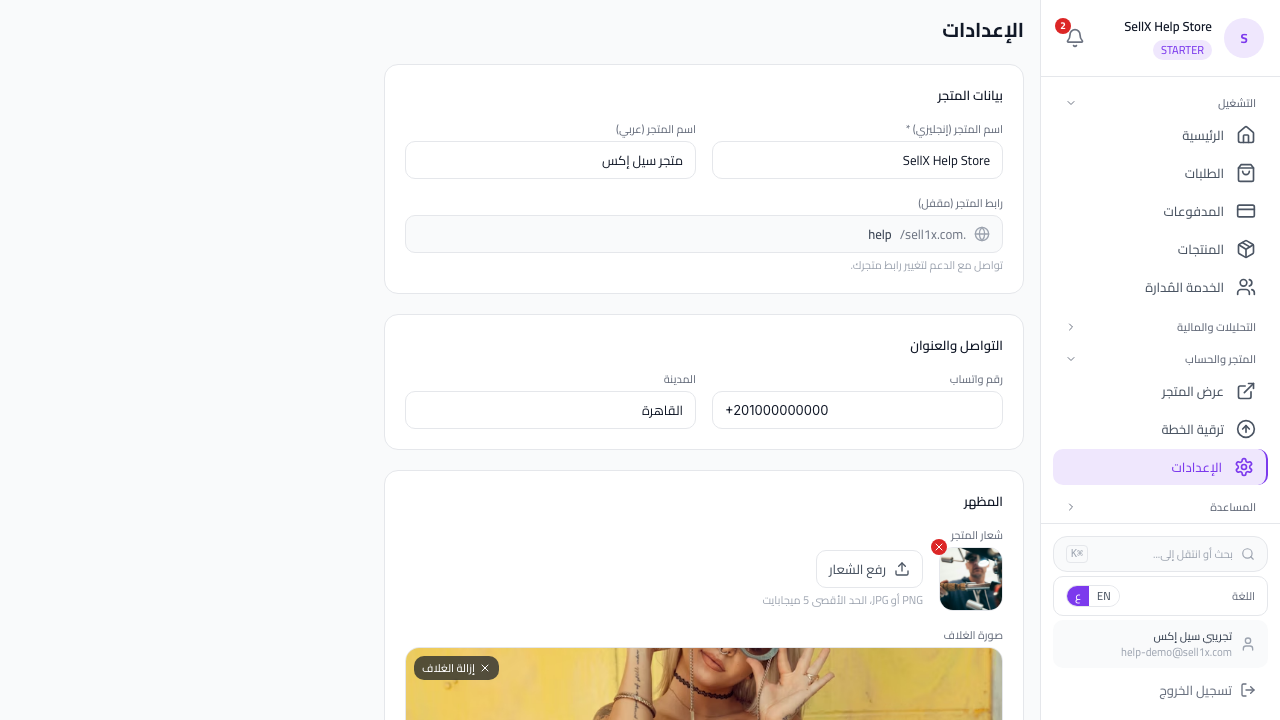
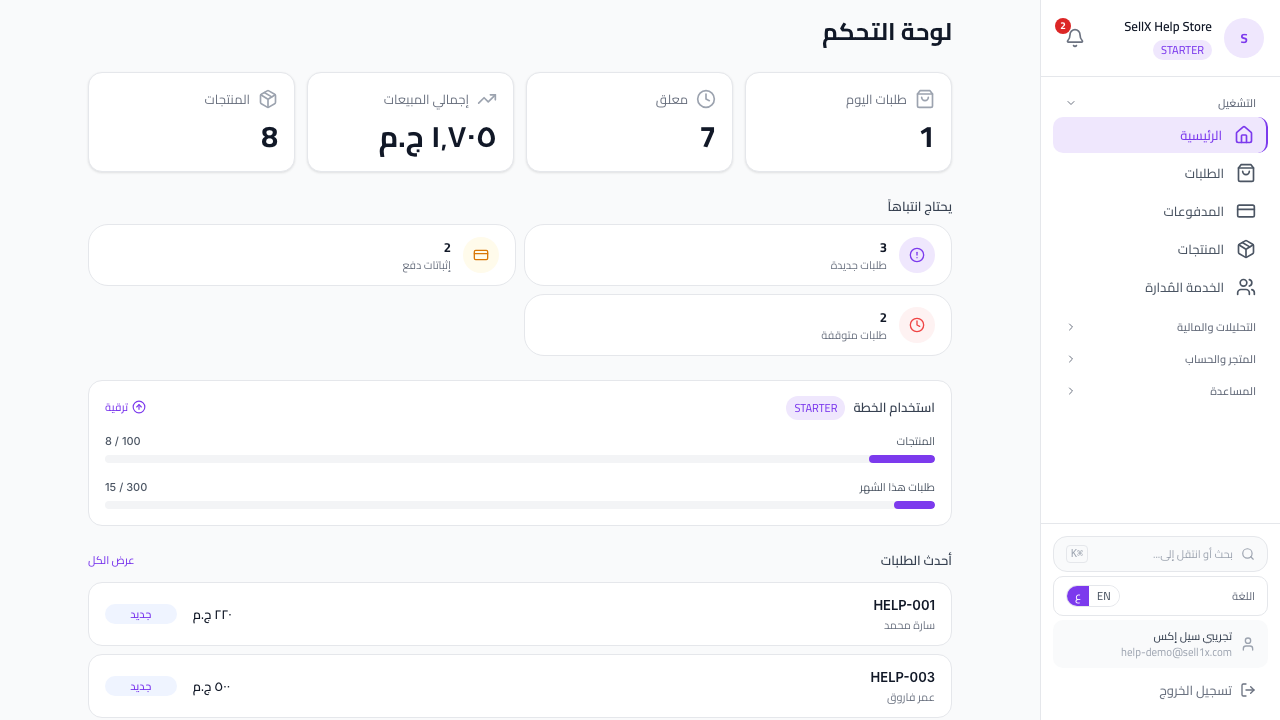
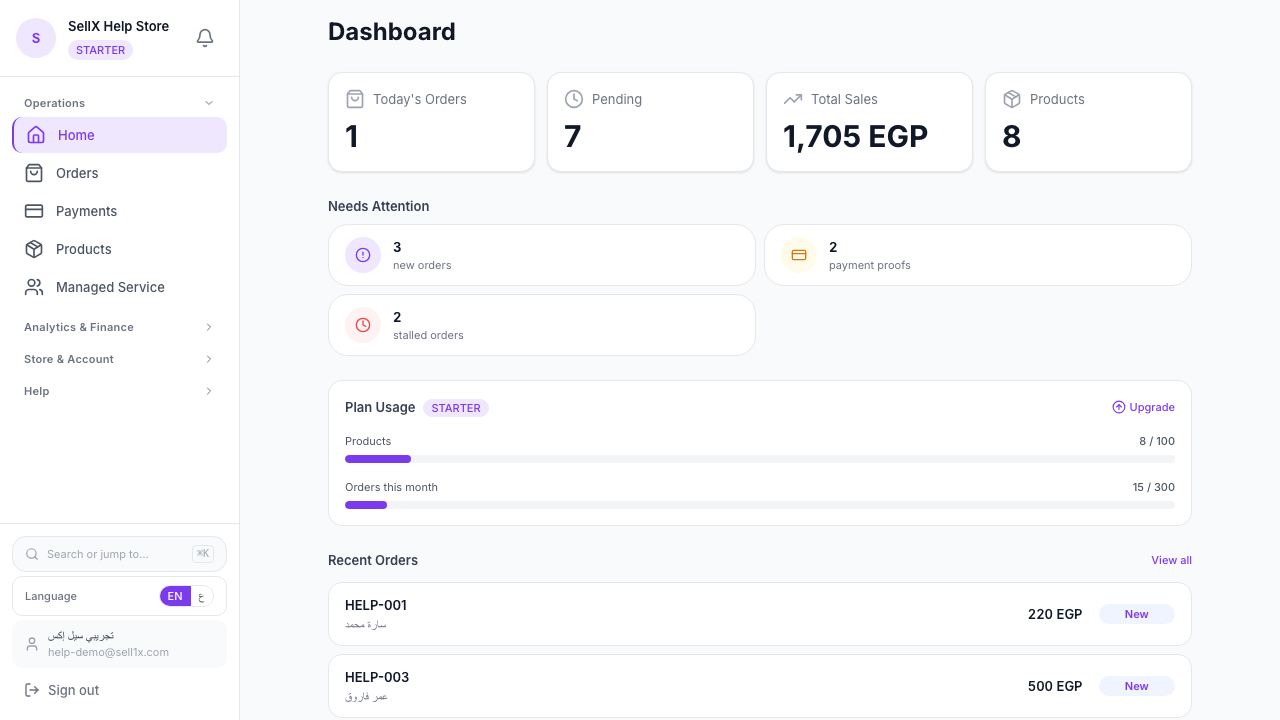
- The bell at the top of your dashboard turns red with a counter (1, 2, 3…)
- A sound plays (if you're not on mute)
- The notification appears in the notification center
All of that in under 2 seconds after the buyer taps "Place order".
Notification Types You Receive
1. New order Someone ordered. Customer name, product, and total appear.
2. Payment proof awaiting review When a buyer uploads a Vodafone Cash receipt, you get pinged to review.
3. Low stock When a product drops to 5 units or fewer, a notification nudges you to restock.
4. Quota warning When you approach your plan limit (say 100 orders this month), a notification suggests upgrading.
Fix 2: Mobile App — Without the App Store
This is the piece nobody talks about with sellX.
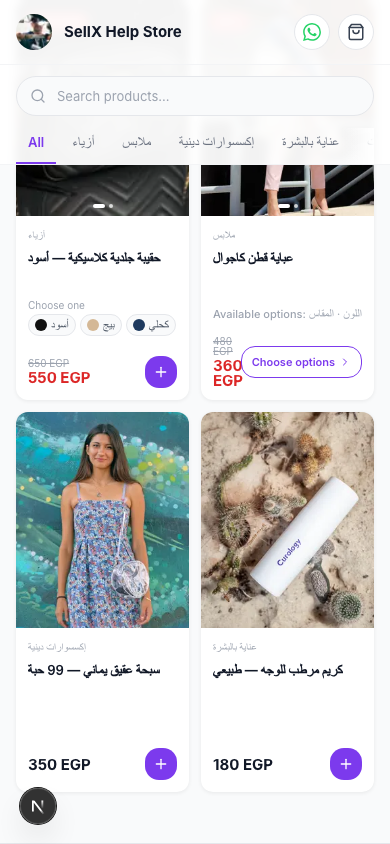
The app works as a PWA (Progressive Web App). You can install sellX as an icon on your phone just like a native app.
How to install on your phone
iPhone (Safari): 1. Open app.sell1x.com in Safari 2. Tap the share button ⬆️ 3. Pick "Add to Home Screen" 4. The icon appears on your home screen
Android (Chrome): 1. Open app.sell1x.com in Chrome 2. Tap the 3-dot menu ⋮ 3. Pick "Install app" or "Add to Home Screen" 4. The icon appears on the home screen
What's different vs. a regular browser
- Dedicated icon — appears like any app, not a browser tab
- Faster load — opens in seconds
- Full screen — no URL bar or browser controls
- Better notifications — arrive faster
Really no App Store?
Correct. The App Store and Play Store can take months to approve updates. sellX updates server-side, and you're always on the latest version — no manual updates.
How to Use Both Features in a Typical Day
The ideal setup
Phone in pocket, sellX icon on the home screen. Someone orders: 1. Small notification sound 2. Alert on the lock screen 3. You pick up the phone, tap the icon, open the order 4. WhatsApp confirmation template → sent
Total time from order to buyer-confirmation: under a minute.
When you're away from the phone
Notifications queue in the sellX notification inbox. When you come back, you see them all in one place, sorted by time.
Tips for Best Results
1. Allow notifications and sound
The very first time you open sellX, allow notifications and sound. That's the whole feature.
2. Keep sellX on your first home screen
Teach your phone that sellX matters. Icon on the first screen, near your thumb.
3. Open the dashboard morning and evening
Even with notifications live, open the dashboard twice a day. For the "Needs attention" screen (unconfirmed orders, pending payment proofs).
4. You don't have to reply to every order instantly
The goal isn't to be enslaved to your phone. The goal is to know fast. If you're genuinely busy, delay slightly — but know it came in.
How sellX Compares
- Instagram page — you learn about the order only when the buyer DMs you, possibly hours later
- Shopify storefront — has a mobile app, but notifications lag 5–10 seconds sometimes
- WhatsApp Business page — not a sales platform, just messaging
- sellX — under 2 seconds + lightweight PWA + mobile-first experience
The Bottom Line
A seller who knows about the order in 2 seconds sells more than one who learns about it an hour later.
- Notifications are on from day one.
- PWA is 3 taps to install.
Use both.
Try sellX on your phone free ←
Read next: How to track customer orders without chaos