The Problem: Your Orders Are Getting Lost in Instagram DMs
Every Instagram seller knows this feeling. It's 9 PM, you have 15 DMs — some are orders, some are product questions, and some are customers you haven't replied to in a week. You're lucky if you can remember who ordered what.
Selling on Instagram started simple, but the bigger your business grows, the bigger the chaos.
The biggest pain points for Instagram sellers:
- Orders forgotten or buried under messages
- No way to know who paid and who still needs follow-up
- Wasting time answering the same questions repeatedly
- Hard to manage more than a few orders at once
- If you lose your account, you lose all customer data with it
This isn't just your experience — it's a natural result of using a social app (Instagram) for a business process that needs a completely different system.
Why Instagram Isn't Enough for Order Management
Instagram was built for content and engagement, not order management. When you use it for orders, you hit structural problems:
1. No priority sorting: Messages arrive chronologically, not by order status.
2. No order stages: You can't see if an order is "new," "confirmed," or "shipped."
3. No structured data: Customer name, address, product, quantity — all buried in unstructured messages.
4. Messages can disappear: If Instagram updates or account issues happen, you could lose critical data.
5. No customer history: You can't see what a returning customer bought before.
The Solution: Store Link + Organized Order Inbox
The solution isn't to stop using Instagram — it's still your most powerful marketing tool. The solution is to separate marketing from order taking.
The concept is simple:
- Create your store on sellX (no code needed)
- Put your store link in your Instagram bio or Story
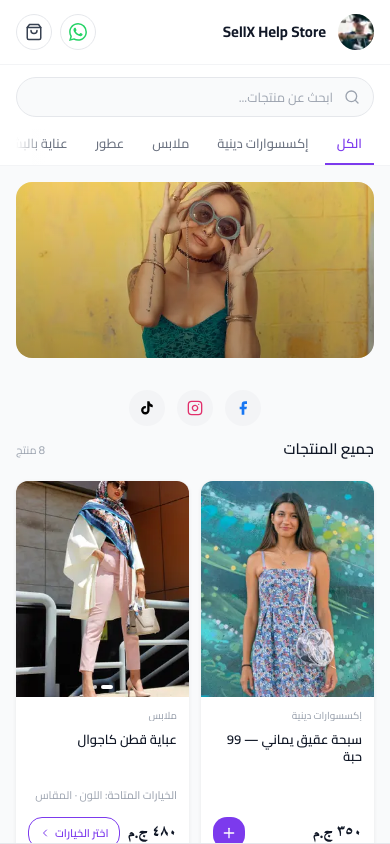
- Customers click the link, choose a product, and place their order themselves
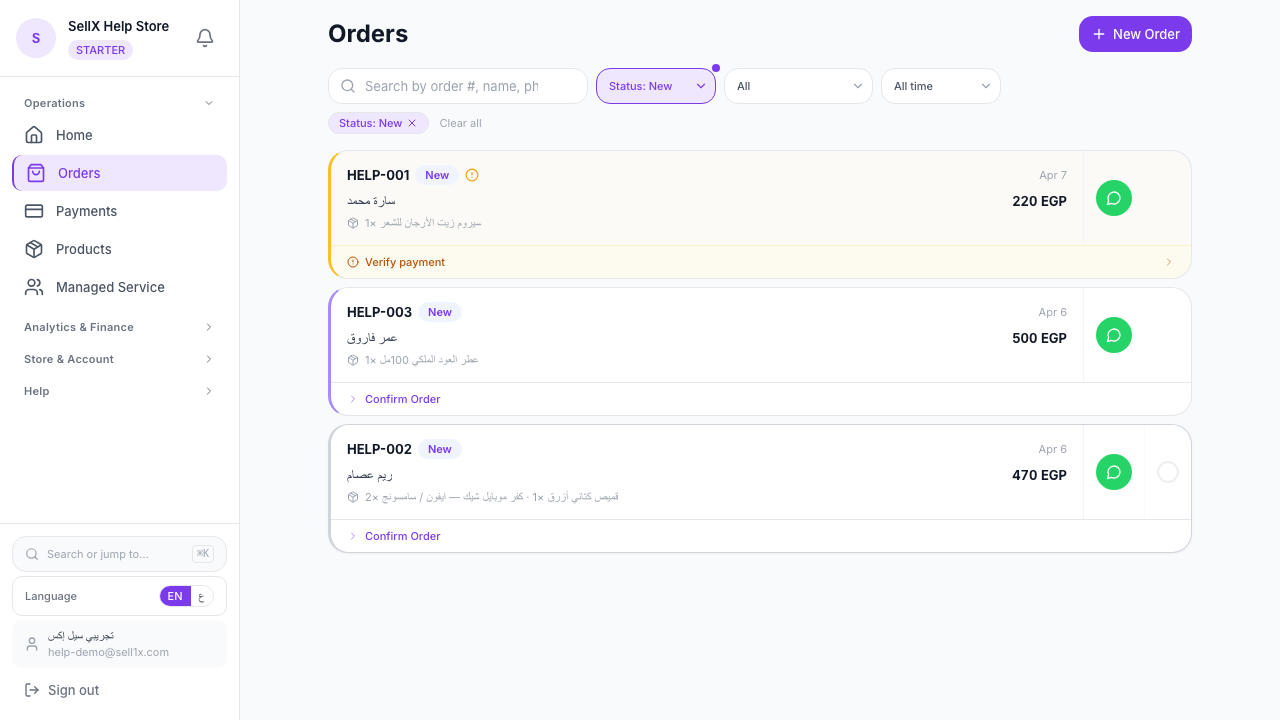
- The order arrives directly in your organized order inbox — ready to fulfill
No extra work on your end. Instead of chaotic DMs, every order arrives with: customer name, phone number, address, products, and any notes.
Setting Up Your Order System
Step 1: Create Your sellX Account
Go to sell1x.com and sign up free; your store link is ready as soon as you do.
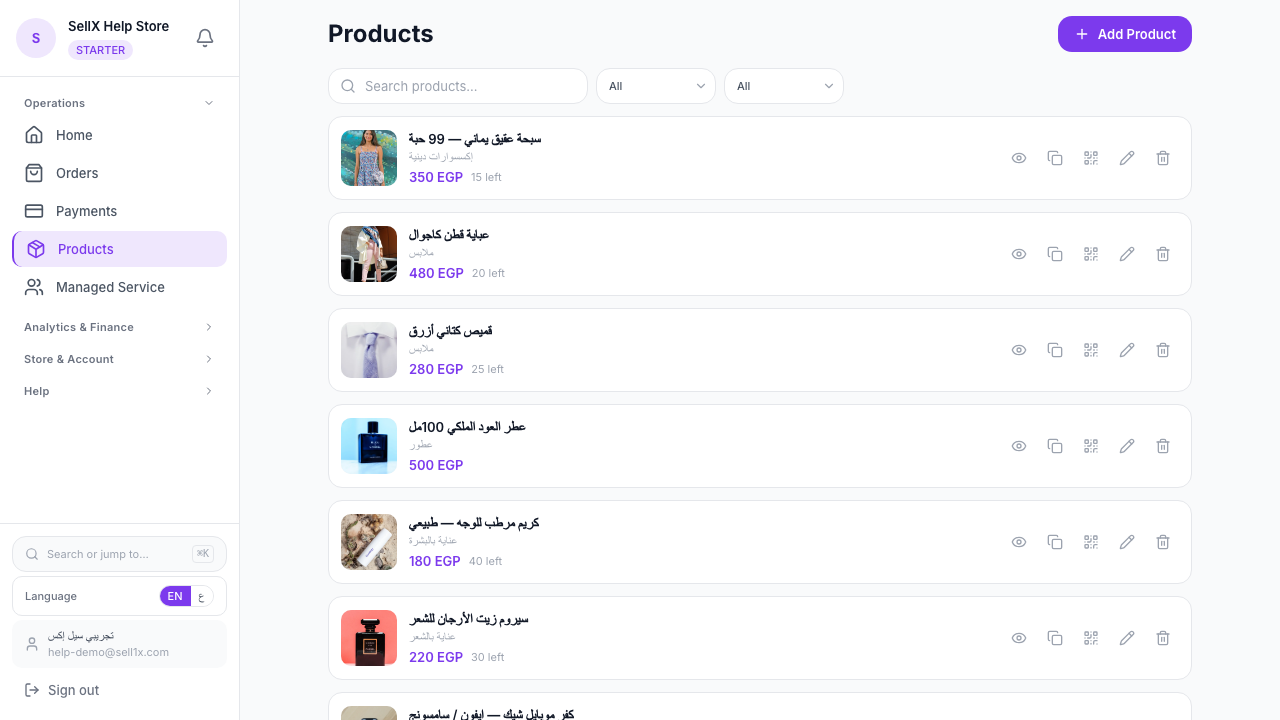
Step 2: Add Your Products
Add product photos and write a short description and price for each item. sellX has an AI assistant to help you write professional descriptions if you need it.
Step 3: Put the Link in Your Instagram Bio
Go to your Instagram profile and add your store link in the bio. A line like "Order here 👇" noticeably increases conversions.
Step 4: Use Stories to Direct Customers
Every time you post a new product or offer, add a Story saying "Order now from the link in bio" or add a direct link if you have 10K+ followers.
Step 5: Manage Your Orders from the Dashboard
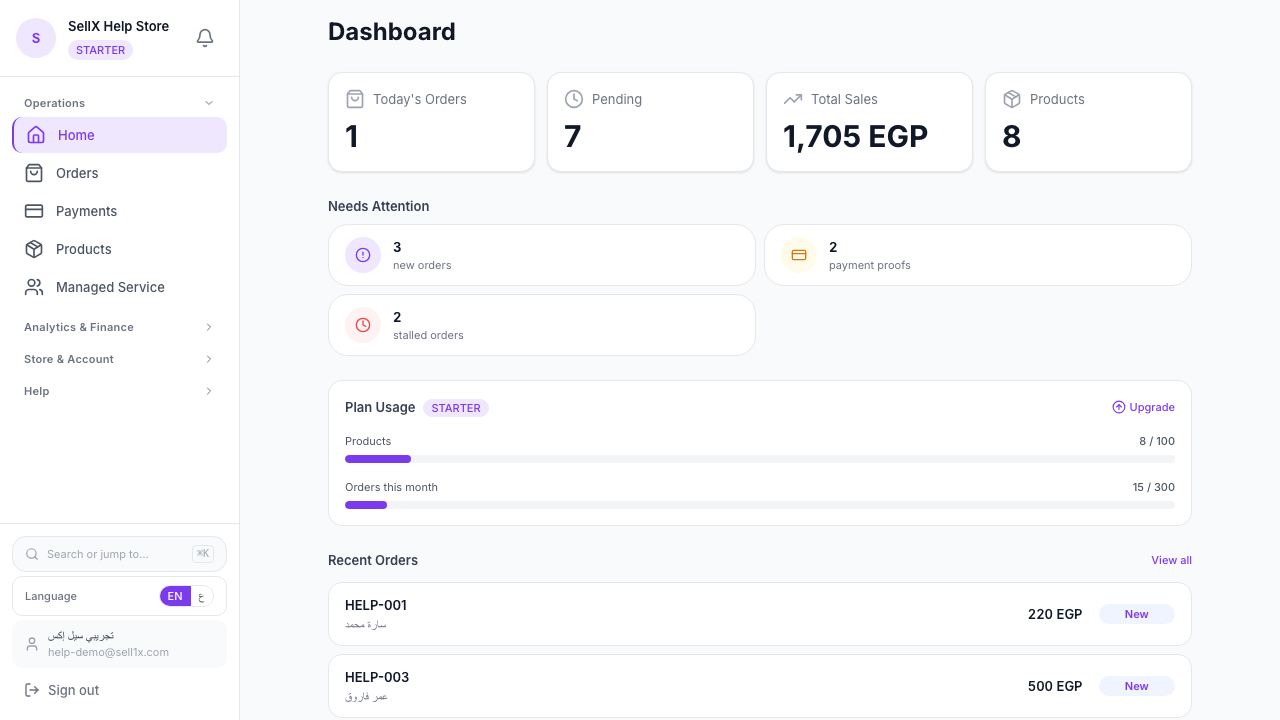
All orders appear in your dashboard sorted from "New" to "Delivered." From each order you can open WhatsApp with a confirmation message ready to send to your customer.
Tips to Increase Conversions from Instagram
1. Write "Order from the link in bio" on every post This is the simplest improvement you can make. Customers need clear direction.
2. Share a direct product link in Stories Instead of directing to bio, share the direct product link in the Story. Customers land right on the product.
3. Use a QR code in your packaging With every order you ship, include a QR code linking to your store. Happy customers will reorder easily.
4. Reply to DMs with your store link If someone DMs asking about a product, reply with the direct product link. Skip the long conversation.
Before and After sellX
| Before sellX | After sellX |
|---|---|
| Orders lost in DMs | Every order in an organized inbox |
| Must ask each customer for their address | Customers enter their own details |
| No way to know order status | Every order status is clear and tracked |
| Talk a lot, sell a little | Sell more, waste less time |
Next Step
The first step is easier than you imagine. Register for free on sellX, add your first products, and put the link in your bio. In one day you'll notice the difference.
No card required. The free plan includes unlimited products and 30 orders/month — enough to try it and see the difference yourself.